
Ref. 1600732834171
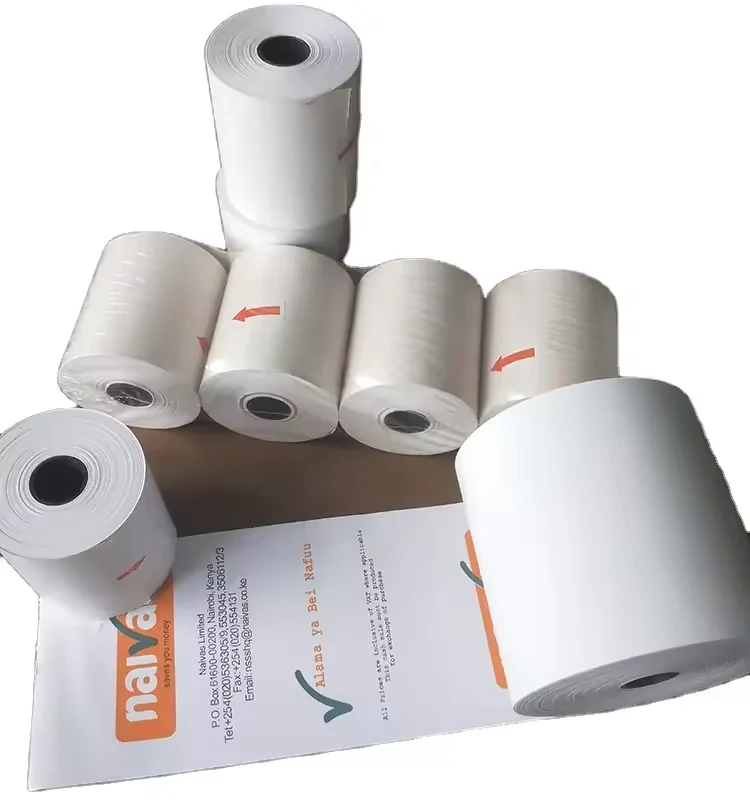
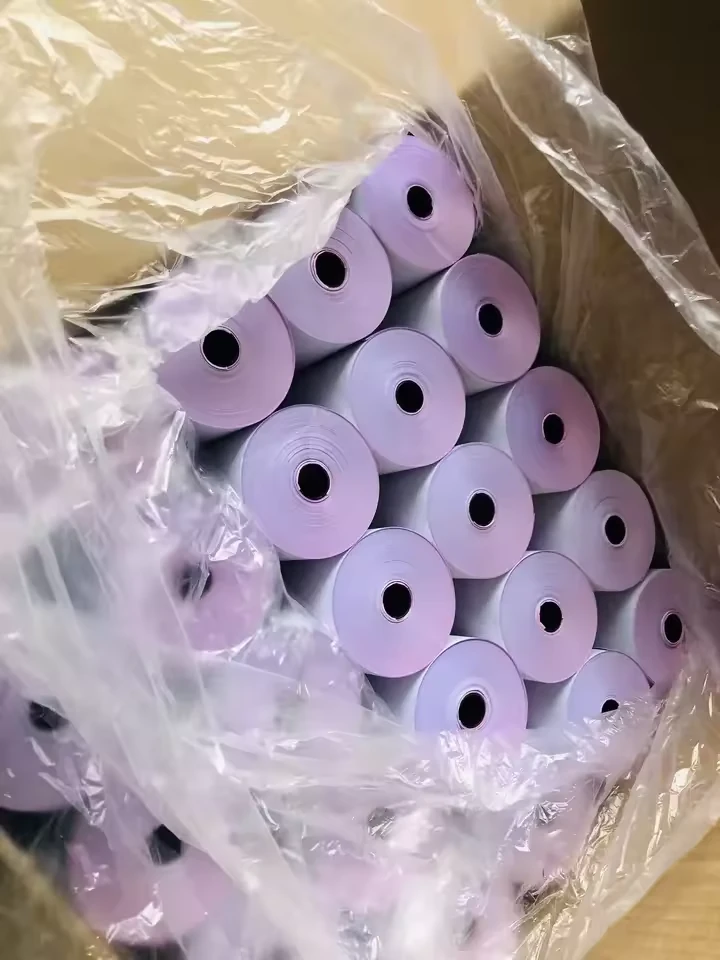
Carbonless Journal Paper for Dot-Matrix Printers
Listed size 75*70mm
$0.33–0.35 / roll
Minimum order: 72 rolls
View specifications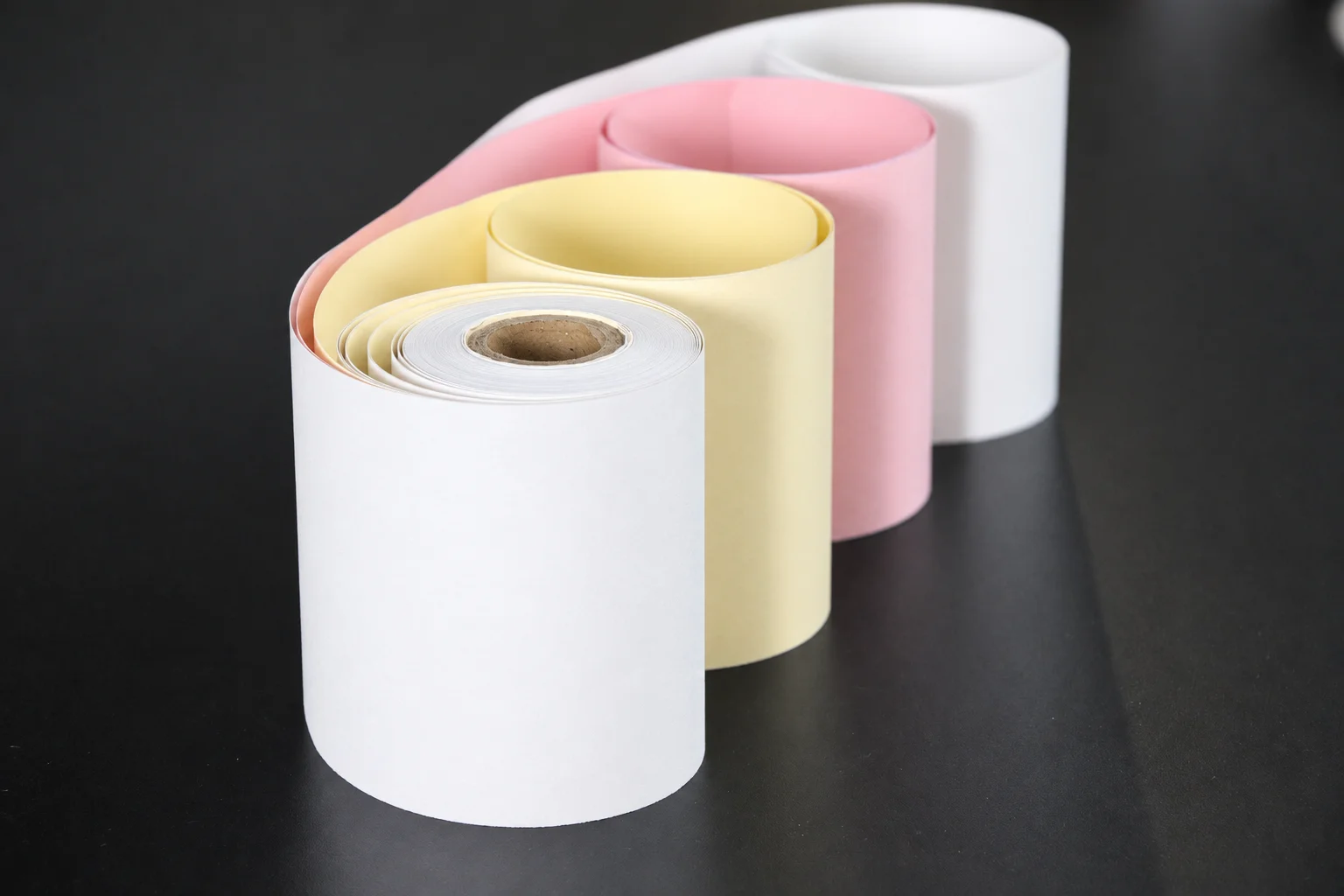
PRODUCT SPECIFICATION GUIDE
CXPAPER supplies carbonless NCR paper for multipart business records that need a copy beneath the original. Specify the finished format, copy-set sequence and printing method, then check copy legibility on a sample.
PRODUCT CATALOG
Ref. 1600732834171
Listed size 75*70mm
$0.33–0.35 / roll
Minimum order: 72 rolls
View specificationsDefine the requirement
Keep the product range and the complete order specification distinct. Use the fields below when discussing a new order or reviewing a replacement.
Carbonless NCR paper transfers a pressure impression through a matched document set, allowing business records to carry copies beneath the original. CXPAPER includes carbonless paper as a separate product family. A useful enquiry describes how the form will be written or printed, how many copies are required, their order and the finished format. The pressure-copy construction and the way the paper is fed are separate decisions: a sheet set and a continuous form can require different handling. Start from an existing form or a clear workflow, then use sample review to establish the proposed construction, layout and legibility before confirming an order.
| Range information | Product context |
|---|---|
| Product family | Carbonless paper / NCR paper as a separate product category |
| Purchasing focus | Pressure-copy documents with construction and finished format defined for the requirement |
| Confirm for the order | Information to provide |
|---|---|
| Finished format and size format / mm | Describe separate sheets, sets or continuous format and provide width × length. |
| Copy set parts / sequence | Number of sheets, required copies, order and any colour requirements. |
| Impression and preprinting method / model / revision | Writing or printing method, equipment, document layout and any preprinted fields. |
| Quantity and packing sheets / complete sets / packs | State which unit is quoted and include packing, destination and your sample evaluation plan. |
Schematic for specification. It does not define the dimensions or construction of every supplied item.
Selection decisions
Carbonless copying relies on pressure acting on the selected paper construction. State whether the form is written by hand or used with specified equipment. Do not assume that a printer which accepts the paper will also produce the copies your workflow requires; evaluate the proposed set using the intended action.
In a conventional multi-sheet system, a CB top sheet transfers an impression, CFB middle sheets receive and pass it onward, and a CF final sheet receives the last copy. These labels explain layer roles, not CXPAPER's stock list. Supply the required sheet order and confirm the proposed set before sampling.
NCR describes the copying construction; it does not say whether the finished form is a separate sheet set or a continuous format. Specify the way the document is handled and fed. For continuous use, also include tractor-feed dimensions, folds and perforations rather than expecting the NCR label to cover them.
Review the original and each required copy, especially the last one, with the intended layout and impression. Check where signatures, amounts and other important fields land. Identify the sample, sheet order and artwork revision so your team can refer to the same result when the order is discussed.
| Question | Carbonless construction | Finished format |
|---|---|---|
| What does it describe? | How an impression creates a copy | How the document is presented and fed |
| What must be specified? | Copy requirement, parts and sheet sequence | Size, sheet/set/continuous form and handling |
| What is reviewed in a sample? | Legibility of each required copy | Fit, feed, layout and separation |
| What is not implied? | Every layer combination is available | Every continuous form has copying capability |
Custom paper & packing
Use the current form as a reference for discussion, then list the changes required. Dimensions, copy sequence, layout and packing each need a clear description; an illustration of coloured layers does not establish the proposed order.
See the custom-order processBefore order approval
| Check | How to review it | What to record |
|---|---|---|
| Set identity and sequence | Lay out the sample in the proposed order and compare the parts, colours and format with the enquiry. | Sample reference, each sheet's position and the intended recipient or use. |
| Copy-through observation | Use the intended writing or printing action on representative fields. Examine each required copy under a consistent viewing condition. | Method, equipment if used, sheet sequence and observations of legibility across the set. Agree any acceptance limit separately. |
| Finished handling | Review feeding, alignment and separation where relevant. Keep the completed set for comparison with later samples. | Artwork revision, dimensions, handling observations and dated sample photographs. |
Agree the sample scope and acceptance criteria for your order. These review points are not a claim of a completed test.
Packing & repeat orders
Keep individual sheets and complete sets distinct in the order. For example, a multipart set contains several sheets, but the enquiry should not silently convert one unit into the other.
Product questions
These names describe different properties. Carbonless refers to pressure-copy paper; continuous refers to the feeding format. A continuous form may use carbonless construction, but the two terms alone do not define a complete specification.
Do not assume this. Carbonless copying depends on pressure and the correct sheet construction. Provide the printing or writing method and check both feeding and copy legibility on an approved sample.
Send the required number of copies, sheet order and colour sequence. The available construction must be confirmed for the order; the illustration does not define a supplied set.
Compare the same finished dimensions, number of parts, sheet construction, printing and packing. Make clear whether the quoted quantity means individual sheets, complete sets or rolls.
No. Conventional carbonless copying uses interacting coatings that form an image under pressure. The term distinguishes the copy method; it should not be interpreted as a coating-free or environmental claim.
The layers have different roles in receiving and transferring an impression. An incorrect sequence can prevent the intended copy from forming. Keep the proposed order identified and review a complete set with the actual writing or printing method.
Describe the original document, the number of copies, their colour order and the method used to complete it. A current form or clear photographs can support discussion; you do not need to invent CB, CFB or CF specifications.
No. State the required sequence in your enquiry and confirm the available construction and sample before treating it as an order specification.
Your product brief
Add this requirement to your brief. You can include several product families or separate sizes, then review them together before contacting CXPAPER.
Product specifications are saved on this device. Contact details are entered separately.