
PAPER FOR YOUR OPERATION
Paper for retail,
logistics and office use.
Choose an industry to compare products,
printer requirements and sample checks.



START WITH THE JOB THE PAPER HAS TO DO
Which paper does
your operation need?
A receipt must fit the till. A shipping label must work with its printer and package. A multipart form must carry the information through every required copy.
CXPAPER manufactures and supplies thermal rolls, labels, copy paper, continuous computer paper, carbonless NCR paper and thermal transfer ribbons. The useful starting point is the operation behind the order: who loads the product, how the information is printed, how it is handled and what your receiving team needs to count. Choose an application below to connect those needs to a product specification.
01 / RETAIL & HOSPITALITY
Receipt rolls for
shops and hospitality.
Retail chains, supermarkets, restaurants, cafés and hotel reception teams use paper at the point of service. Their buying decisions often begin with several printer models and a stockroom full of rolls that look alike. Width is the first dimension, but outside diameter, core and declared length matter too.
Use thermal receipt rolls for the supported printing system, with custom size, logo printing and packing where required. For multiple locations, separate the specification from the store allocation: an item can have one agreed construction and several delivery or replenishment quantities. Labels used for identification belong on their own enquiry line.
DECISION FOCUS / Printer fit · Paper quantity · Receipt layout · Store packing
Explore retail & hospitality paper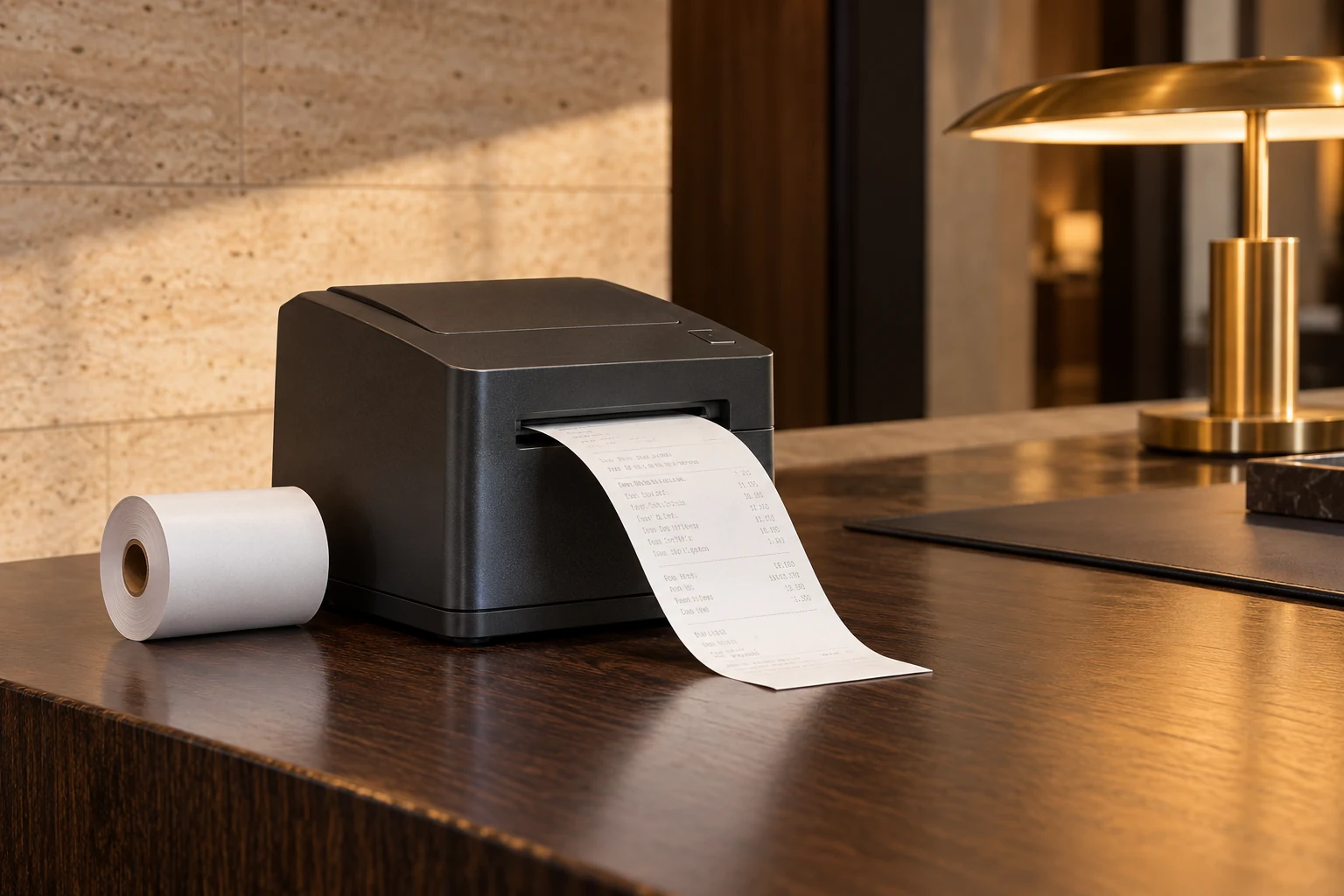
02 / LOGISTICS & ECOMMERCE
Shipping labels
for parcels and stock.
Shipping labels move through a system: the print template, the label printer, the parcel surface and the handling route. Ecommerce fulfilment teams need a construction that works across that route. A nominal size or an attractive barcode print is only part of the specification.
Choose the print method first. Thermal labels work without a ribbon in a compatible direct thermal printer; transfer printing needs a matching ribbon and label face material. Record exact dimensions, liner width, gap or mark, winding and useful units per roll. Then evaluate the sample on the actual carton, bag or container used in your operation.
DECISION FOCUS / Print system · Label construction · Surface · Handling
Explore logistics & ecommerce labels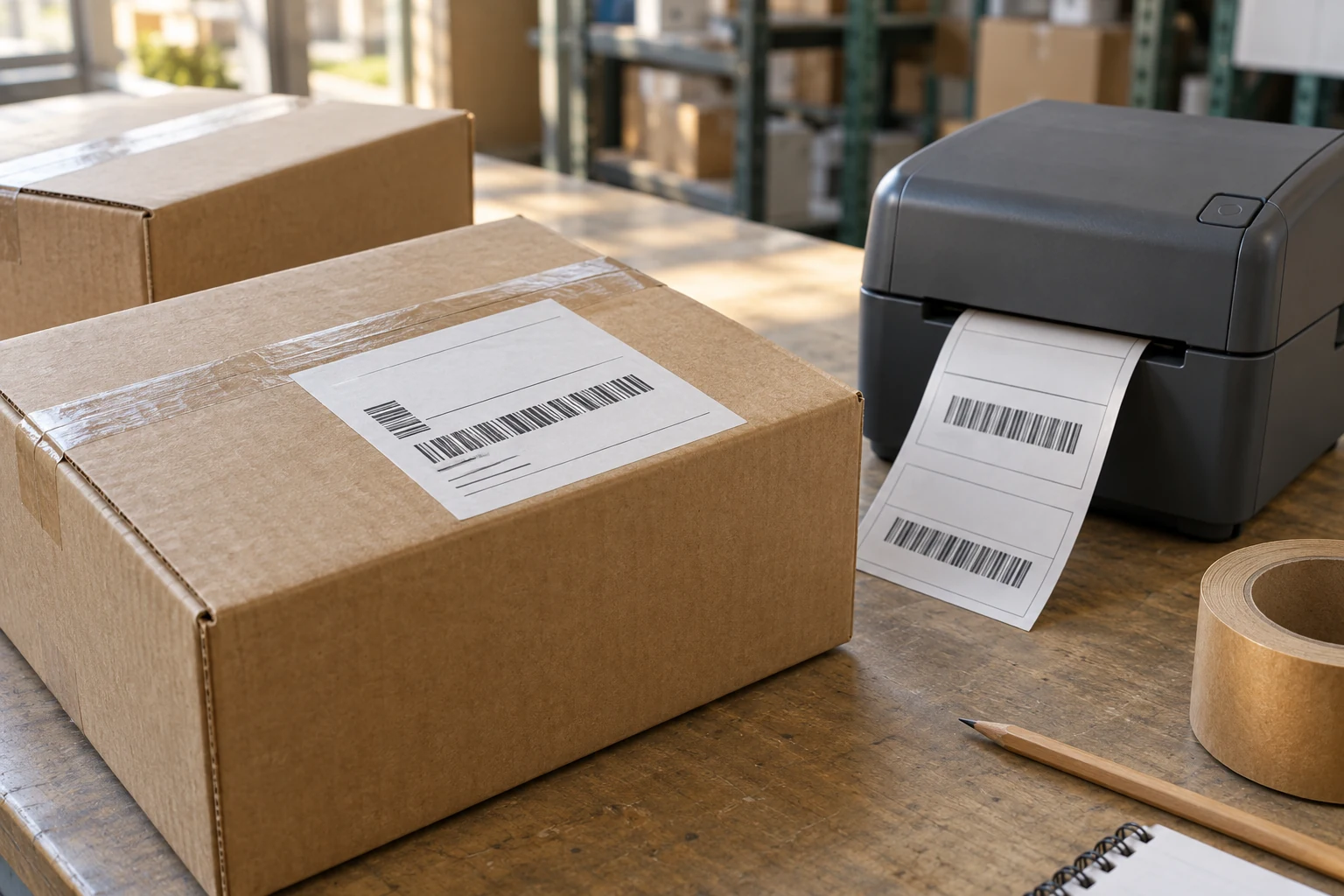
03 / OFFICES & ADMINISTRATION
Paper for the
everyday document.
Office printing is a cut-sheet decision: format, paper grade, feeding behaviour and the finished document. CXPAPER’s brochure lists A4 copy paper in 70 and 80 g/m² grades. Grammage is mass per area, not measured thickness; a procurement brief that has a caliper requirement should state it separately.
Use representative documents when sampling, including duplex pages where the job calls for them. Review feeding and the appearance of both sides, then connect the result to the printer settings and sample reference. Packing is equally practical: write sheets per pack and packs per carton so the quotation and the receiving count describe the same quantity.
DECISION FOCUS / Sheet format · Grammage · Printing · Ream and carton counts
Explore office & document paper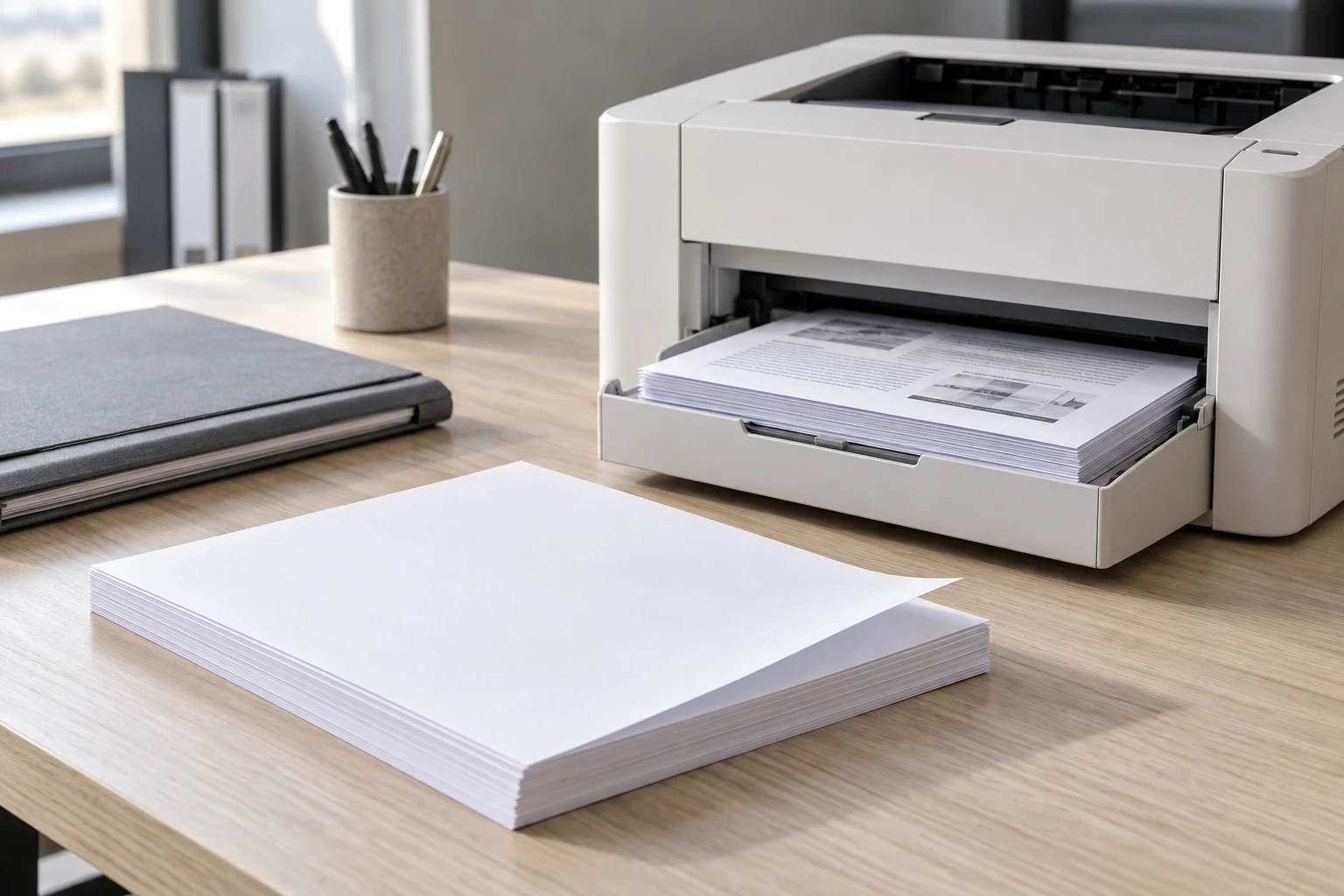
04 / FINANCE & BUSINESS FORMS
Continuous forms
and carbonless copies.
Finance, dispatch and document-control teams may need continuous forms or pressure-copy sets. Continuous paper describes the feeding format. Carbonless describes how an impression is transferred between sheets. A requirement can involve both, but the names are not interchangeable specifications.
Start with the original document and who receives each copy. Define the number of parts, colour sequence, layout and separation points. For tractor-fed work, add feed holes, full width, page repeat and folds. A sample trial should inspect the last required copy as carefully as the first, using the equipment or writing method that will be used in daily work.
DECISION FOCUS / Feed format · Part sequence · Registration · Copy legibility
Explore continuous & carbonless forms
05 / WAREHOUSE IDENTIFICATION
The label and ribbon
work as a system.
Stock, location and dispatch identification depends on readable information where work happens. Describe the intended surface, handling and service period before choosing a label construction. A smooth container, textured carton and flexible bag can create different adhesion questions even when they use the same printed layout.
For thermal transfer, specify the ribbon alongside the label: width, length, core, winding and coated side all belong in the brief. Sample the combination on the installed printer. Record the settings and test the codes in the actual scanning workflow; an ordinary scan check should not be described as a certified barcode-quality result.
DECISION FOCUS / Face material · Adhesive brief · Ribbon match · Operational scanning
Review the label and ribbon workflow
06 / IMPORTERS & DISTRIBUTORS
A private-label range.
Clear down to the carton.
A distributor buys a range, while the receiving team handles individual items. Give each size, material and packing configuration a distinct SKU specification. Thermal-roll metres, label counts, paper sheets and multipart sets are different useful quantities; compare offers only after the unit and construction are aligned.
CXPAPER supports custom dimensions, paper grade, logo and packaging across the agreed project scope. Keep product artwork, wrapper design and carton marks as separate approvals. For repeat orders, carry forward the specification, sample and artwork versions, then record the changes. Manufacturing and trading supply both form part of the business; the quotation identifies the scope for each order.
DECISION FOCUS / SKU structure · Comparable units · Brand packing · Repeat orders
Explore distributor & private-label supply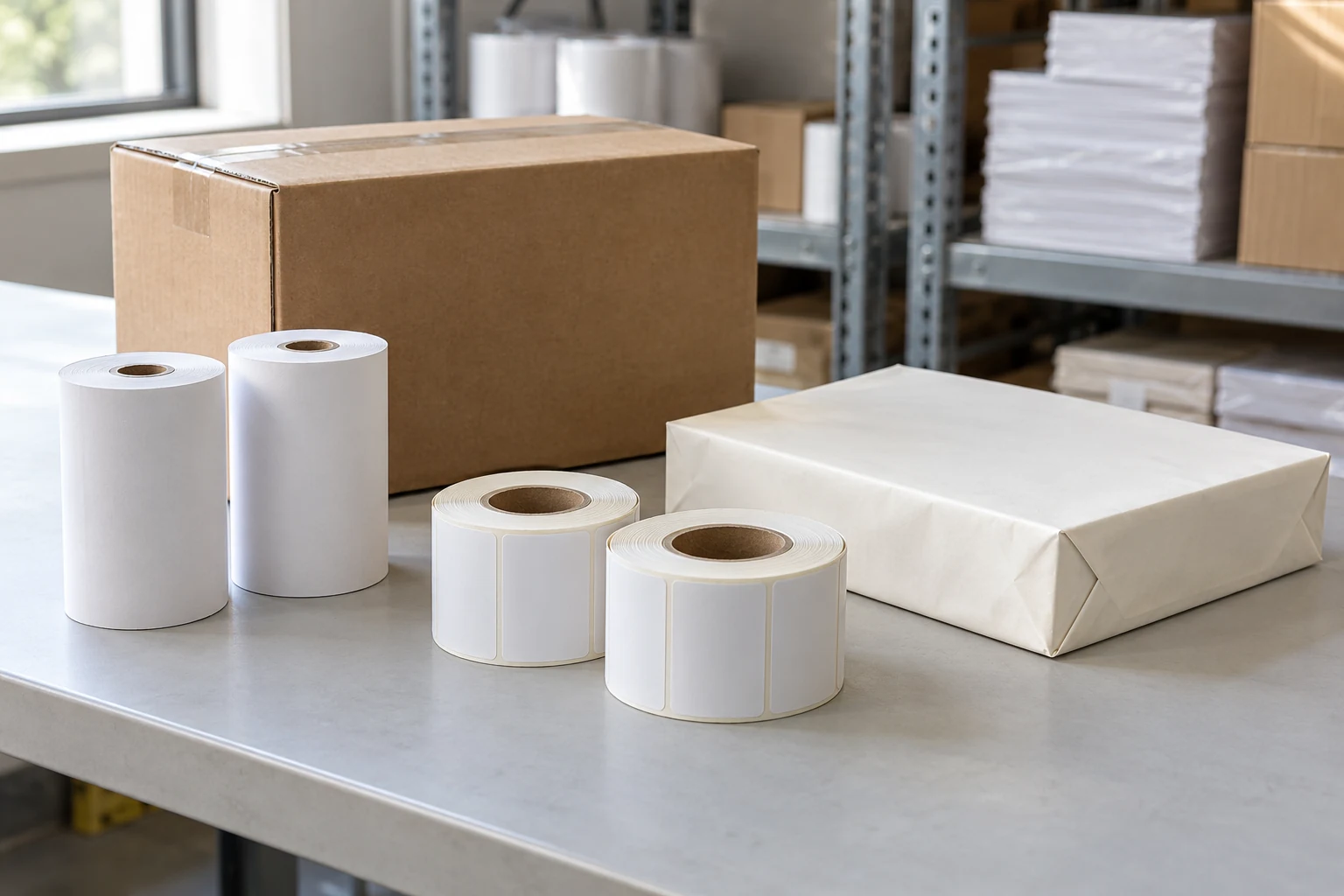
CONNECT THE APPLICATION TO THE ORDER
The product.
The parameters that matter.
| Purchasing context | Product route | Critical specification fields |
|---|---|---|
| Retail & hospitality | Thermal receipt rolls; separately specified service labels | Printer width, maximum roll diameter, core, declared length, grade and packing |
| Logistics & ecommerce | Shipping labels; thermal transfer ribbons where required | Print method, exact label size, liner, sensing, package surface and ribbon match |
| Offices & administration | A4 copy paper | Sheet format, 70/80 g/m² grade, intended printing, sheets per pack and carton |
| Finance & document control | Continuous forms; carbonless NCR sets | Feed format, finished page, number of parts, colour sequence, layout and separation |
| Warehouse identification | Thermal or coated-paper labels with a suitable print system | Surface, expected handling, legibility or scanning requirement and construction |
| Importers & distributors | Mixed paper ranges and private-label supply | A separate specification, useful-quantity basis, artwork and pack for each SKU |
Product specifications are agreed separately for each order. Confirm the construction and performance with a working sample.
QUALITY IS CHECKED IN THE WORKFLOW
From the paper grade
to the receiving desk.
CXPAPER’s quality process covers incoming material, in-process production, finished products and pre-shipment inspection. Inspection reports are available for review. Make each stage useful by connecting it to the intended application and the order’s agreed acceptance points.
Explore the quality approach- 01 / Define the construction
Capture material, dimensions, print method and useful quantity. Keep grammage, thickness and roll length as separate fields when each is required.
- 02 / Run the working sample
Use the intended printer, surface or document process. Keep the sample identity, equipment settings and observations together; evaluate each critical format.
- 03 / Approve what will be supplied
Link the sample to the product specification, artwork and packing. Add acceptance criteria and any required inspection documentation to the order.
- 04 / Check what arrives
Compare identifiers, pack counts and condition with the agreed records. Preserve photographs and a clear order reference for any discrepancy.
BEFORE YOUR NEXT ORDER
The questions behind
the application.
Which industries does CXPAPER supply paper for?
The product range supports receipt printing in retail and hospitality, shipping and identification in logistics and ecommerce, office documents, multipart business forms and paper distribution. Select the actual paper specification around the equipment and use; an industry label alone does not establish compatibility.
What makes the application important when choosing a paper grade?
It defines the equipment, handling and information the product must support. A thermal receipt, a shipping label and a multipart finance form have different constructions and approval checks, even when they share one purchase order.
Can CXPAPER customise paper for a business application?
CXPAPER supports size, grammage, material, logo and packaging customisation, with slitting, rewinding, printing, cutting and packing in its production scope. Product-specific requirements are developed through a specification and sample review.
How should a buyer judge quality before ordering?
Use the intended printer, package or document process. Evaluate the dimensions and construction, the actual printed output and the packing. CXPAPER’s quality process has four inspection stages—incoming, in-process, finished-product and pre-shipment—with inspection reports available for review.
Technical reading.
These manufacturers’ references explain paper and label principles. CXPAPER capabilities on this page come from the company’s supplied materials; the referenced manufacturers’ own products, performance claims and certifications are not CXPAPER specifications.
YOUR APPLICATION, YOUR SPECIFICATION
Specify what you print
and which equipment you use.
Send the printer or current product, the application, quantity and packing requirement. Add the operating issue you want the next specification to solve.
Discuss your application