
You know the product.
Send the drawing, grade, current sample and artwork. CXPAPER reviews the finished format and branded packing against that reference.
Bring: your specification, sample or existing SKU.
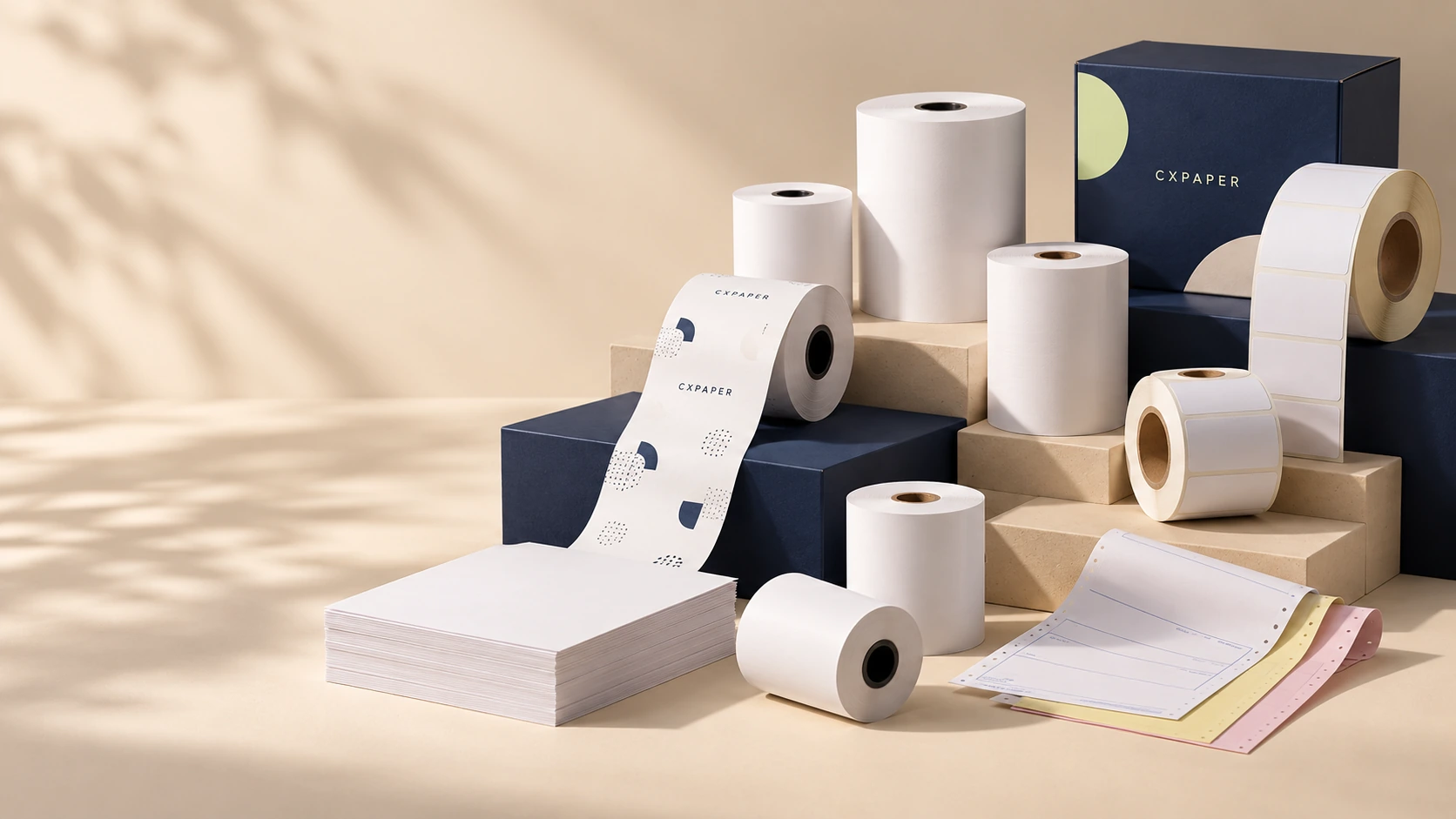
OEM / ODM · CUSTOM PAPER
Custom thermal receipt rolls, labels, business forms and private-label packaging. Bring CXPAPER your specification, sample or artwork to shape the finished product.
WHAT CAN YOU CUSTOMISE?
Change the roll size, select a paper grade, add your artwork or prepare a branded pack. CXPAPER combines manufacturing and supply, with slitting, rewinding, printing, cutting and packing in its stated production scope.
Share the application and working conditions. The printer, label surface or document workflow helps determine which construction to sample.
Send the drawing, grade, current sample and artwork. CXPAPER reviews the finished format and branded packing against that reference.
Bring: your specification, sample or existing SKU.
Describe the equipment, surface, use and cost priorities. CXPAPER helps organise material and format choices into a brief for sampling.
Bring: your use case and the requirements still to resolve.
MATERIAL SELECTION
Thermal paper forms an image through heat. Thermal-transfer labels use a ribbon. Copy paper and multipart forms serve different printing and record-keeping needs.
Select the family first, then agree the grade, construction and any required declaration. The same material name can cover products with different performance.
| Material family | Options to discuss | Decide before ordering |
|---|---|---|
| Thermal receipt paper | Standard, protective and longer-retention grades; BPA-free options for review. Listed range: 48–70 g/m². | Printer settings, required image life, exposure and the exact declaration needed. |
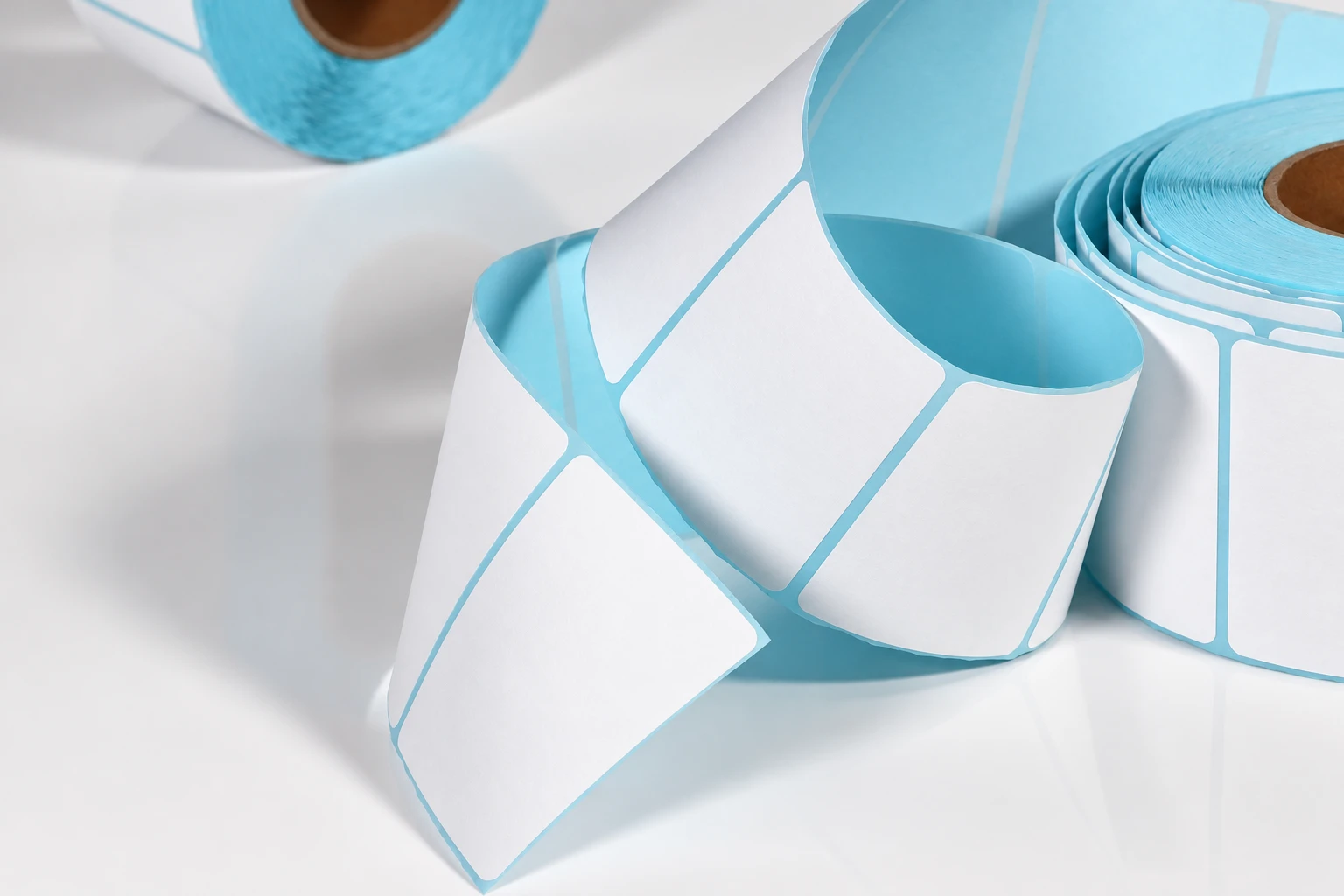
| Direct thermal labels | Paper and synthetic thermal faces; custom dimensions, orientation and print. | Label surface, adhesive, liner, image response and use conditions. No ribbon is used. |
| Thermal-transfer labels | Coated paper and synthetic faces; surface finishes for the selected construction. | Printer and ribbon match, print durability, dispensing and adhesion. |
| Copy paper & cut sheets | Listed 70 and 80 g/m² grades; sheet dimensions and branded wrapping. | Laser or inkjet use, duplex feeding, opacity and sheets per pack. |
| Continuous forms & NCR | Single or multipart formats; printed layout, part colours and finished size. | Feed format, copy mechanism, part sequence and impact-printer requirements. |
| Thermal-transfer ribbons | Wax, wax-resin and resin; width, length, core and coated-side orientation. | Compatibility with the selected face material and printer. |
SPECIFY THE COMPLETE LABEL
State the package surface and the temperatures during application and storage. Each component affects the result. UPM’s label guide explains these construction choices.
TWO DIFFERENT MEASUREMENTS
Mass per square metre. Use it to specify the grade and compare paper weight.
Thickness through the sheet. Include it when the machine or finished format has a thickness limit.
Equal GSM does not mean equal thickness: density, coating and construction also matter. The listed thermal-paper range of 48–70 g/m² is a weight range, not a micrometre specification.
Thickness affects the length that fits around a core within a given outside diameter. State whether usable length or maximum diameter controls the order, and review both on the chosen grade.
Grade, target GSM, critical caliper, printer model and finished dimensions. For a reference sample, identify which properties must stay the same.
Technical reference: Jujo Thermal’s grade selector lists grammage and thickness separately.
CUTTING & CONVERTING
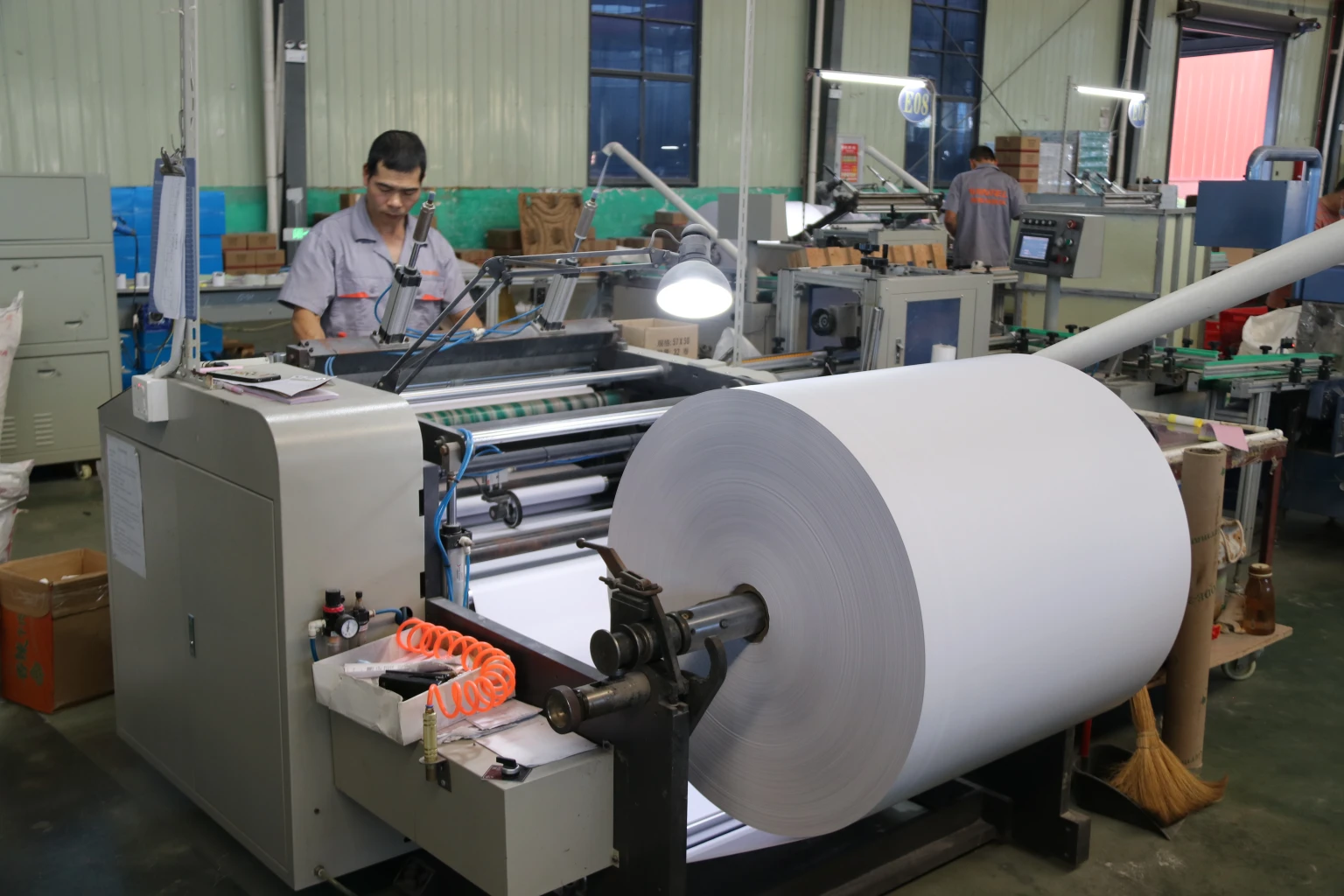
Slitting sets the roll width. Rewinding builds the roll around the selected core. Specify width, core inside and outside diameters, length or maximum roll diameter, and winding direction together.
Paper cores, plastic cores and coreless formats are listed options. The sample must fit the spindle and media compartment, with the printable surface facing the correct way.
Check roll edges, winding and feed during a printer trial. Agree tolerances and measurement methods for the selected format.
Set width, length, grade and pack count. Check squareness, edge condition, curl and feeding; include duplex printing when used.
Approve: dimensions, cut edges and feed.
Provide the outline, corner shape, pitch, gap and web width. Include printer sensors or automatic dispensing. The cut label must release while the liner remains intact.
Approve: die line, liner and print-to-cut position.
For continuous forms, define feed holes, page repeat, folds and tear-off margins. For multipart documents, add the copy sequence and colour order.
Approve: feeding, separation and every copy.
Special shapes and tooling are reviewed for the chosen construction. See the manufacturing process.
PRINTED ARTWORK
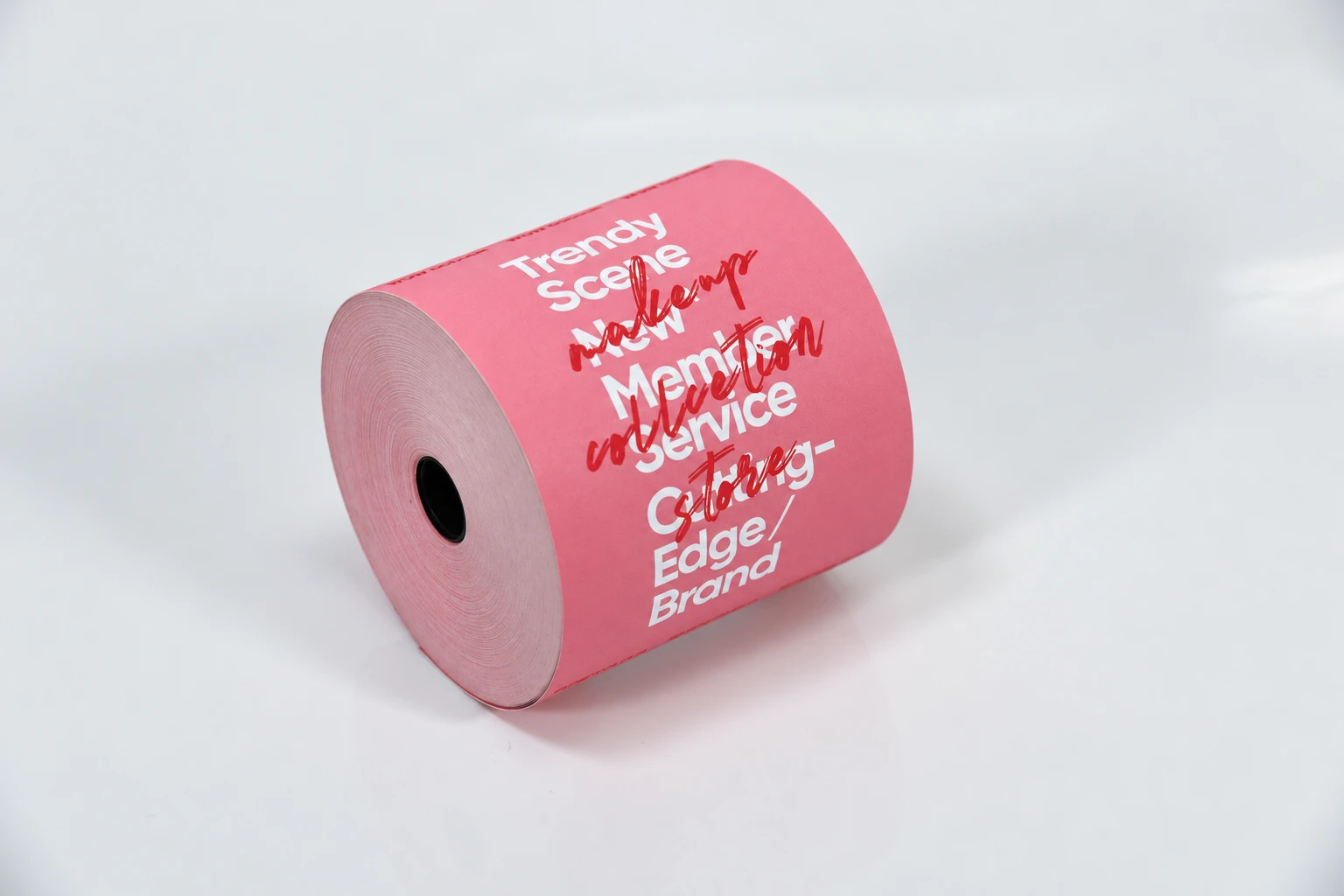
Receipt rolls can carry front- or reverse-side logos, messages and fixed artwork. Printing options include up to eight colours, subject to material and artwork review.
Reserve clear areas for the text, barcode or QR code added by the customer’s printer. Mark the imaging side, print repeat and reading direction.
For labels, align artwork with the die line and dispensing direction. For forms, align printed fields, tear-off positions and each copy.
Review an artwork briefPRIVATE-LABEL PACKING
The receipt-paper range includes foil, clear, grouped-film and opaque-film wrapping options, plus custom outer-carton branding. Select the wrap for the product and handling requirements.
Record rolls or sheets per inner pack and inner packs per carton. Give the sheet count for a ream; distinguish sheets from complete multipart sets.
Add the item code, description, pack quantity and carton marks. Include pallet or warehouse-label requirements in the brief.
The photograph shows one packing arrangement. Your order’s count and protection follow its approved packing specification.
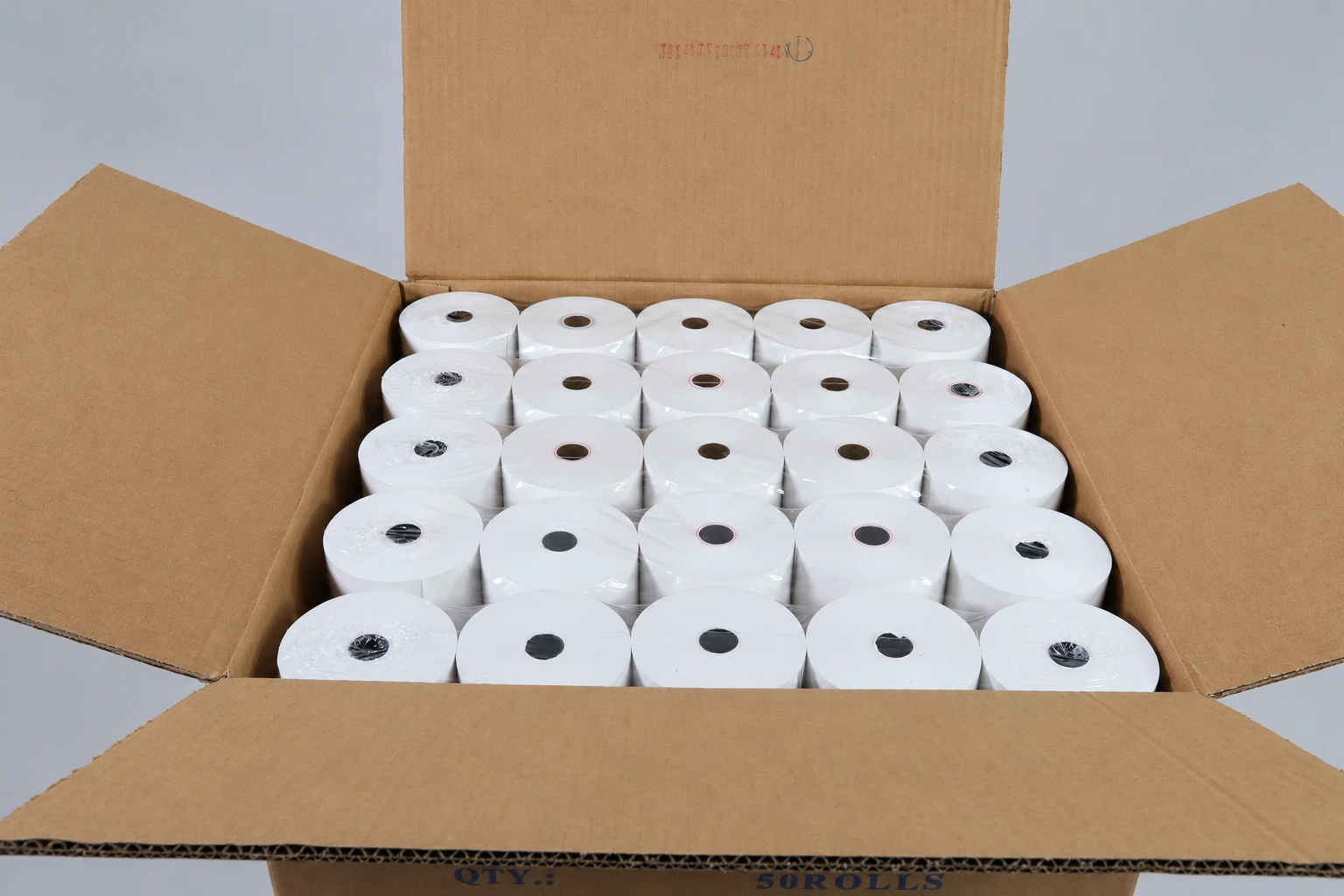
Keep the material, artwork revision, quantity per pack and carton identification on the same order reference.
INSPECTION & ACCEPTANCE
CXPAPER’s stated workflow covers incoming material, in-process, finished-product and pre-shipment inspection.
Use these stages to agree checks for your order. Measurement methods, tolerances, sample quantities and report requirements depend on the product.
| Stage | What to specify | Evidence to request |
|---|---|---|
| Incoming material | Grade, construction, grammage and critical caliper. | Relevant material specification or declaration. |
| During converting & printing | Width, core, roll build, label cut and approved artwork. | Observations against the agreed drawing and proof. |
| Finished product | Dimensions, printing, pack quantity and functional checks. | Sample results linked to the item and acceptance criteria. |
| Before shipment | Order quantities, packing condition and carton marks. | Agreed inspection or packing records. |
Trial installation, feeding and cutting. Review text and codes at the intended settings and after the agreed storage conditions.
Print, scan, dispense and apply to the real package. Review edge lifting, release and print durability.
Review feeding, alignment and cut edges. Check every multipart copy and the tear-off result.
Request the report required for your product and destination market, and confirm its scope. Explore the quality approach
SAMPLING & REPEAT ORDERS
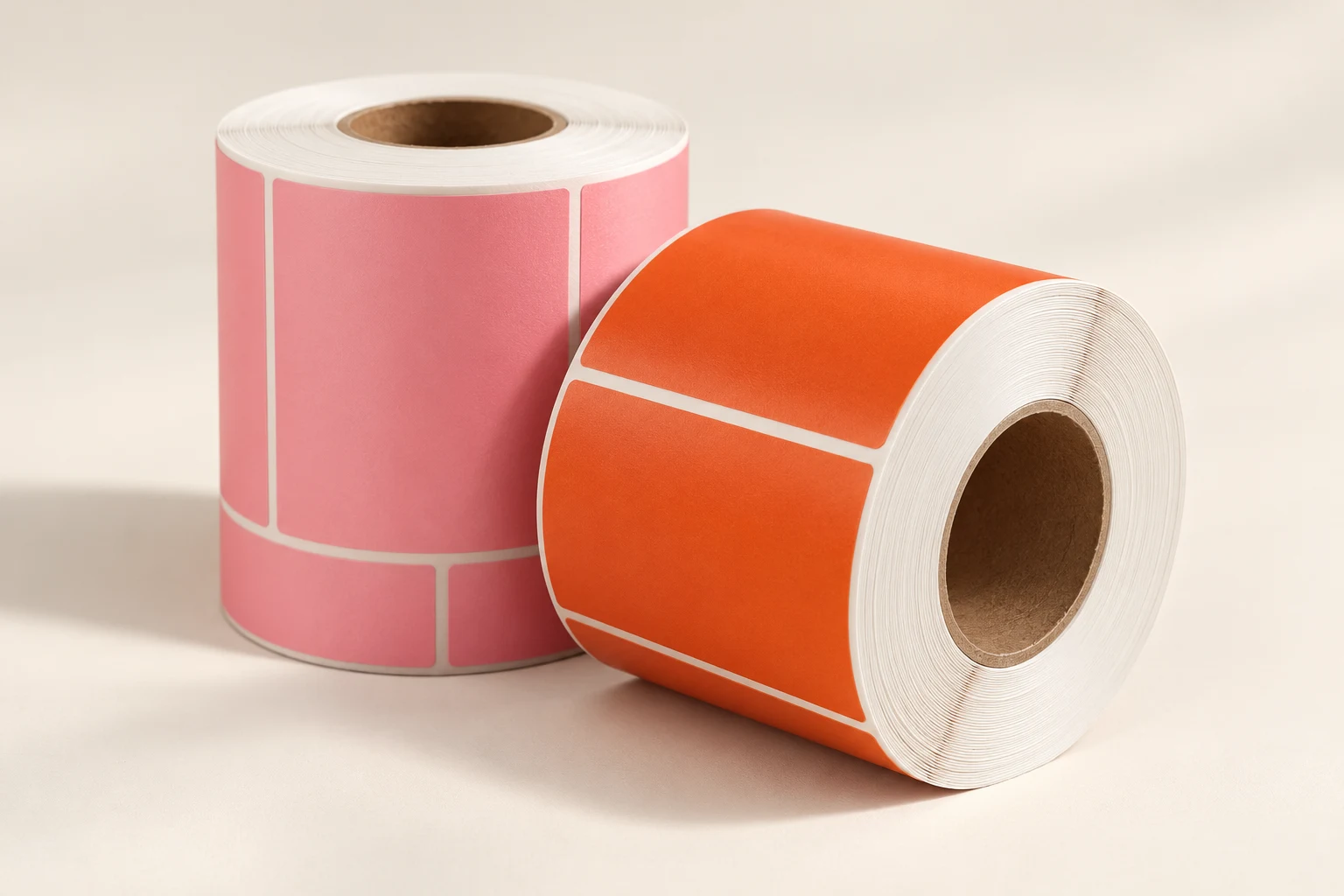
Use the sample to answer a specific question about material, print, fit, adhesion or packing.
Product, application, equipment, reference sample, quantity and destination.
Material, format, artwork, packing, charges and trial conditions.
Record equipment settings, sample reference, observations and changes.
Specification, artwork revision, accepted sample, packing, terms and production timing.
Carry the agreed requirements through production, inspection and shipment preparation.
Quote the item and revision. Flag changes to material, printer, artwork, packing or quantity.
A checklist for your buying, design and warehouse teams.
BEFORE YOU PLACE THE ORDER
Yes. Send the sample, its printer or application, your quantity and the changes needed. CXPAPER reviews the material, finished format, printing and packing before quoting. Appearance alone cannot confirm the same grade or performance; identify what the replacement must match.
Paper grade and grammage can be reviewed for a custom order. Caliper is a separate property. If thickness is critical, provide a target in micrometres or a reference sample. Material availability, tolerance and measurement method are agreed for the product; there is no universal thickness range across all families.
Front- or back-side preprinting is available for review, with options up to eight colours subject to material and artwork. Identify the thermal imaging side and leave clear areas for variable text and codes. Approve the converted sample in the intended printer.
Specify the package surface, application and storage temperatures, and expected exposure. Paper and synthetic face options are available for review. The adhesive and complete construction must suit the use; a synthetic face alone does not establish freezer, chemical-resistance or food-contact performance.
CXPAPER’s ODM support helps turn an application or reference into a finished-product specification: material selection, dimensions, artwork and packing. New coating chemistry, adhesive formulation or other specialist development requires a separate technical feasibility review.
Grade, size, printing, tooling and packing affect the quotation. Give quantities with units for each item. Sample charges, any agreed order credit, production timing and shipment terms are confirmed for the project after its specification is reviewed.
TECHNICAL REFERENCES
These references explain material-selection principles; CXPAPER’s product and factory scope comes from its supplied company information.
START YOUR CUSTOM ORDER
Include the printer model, the changes you need, quantities with units and the delivery destination.
Start an OEM / ODM enquiry