
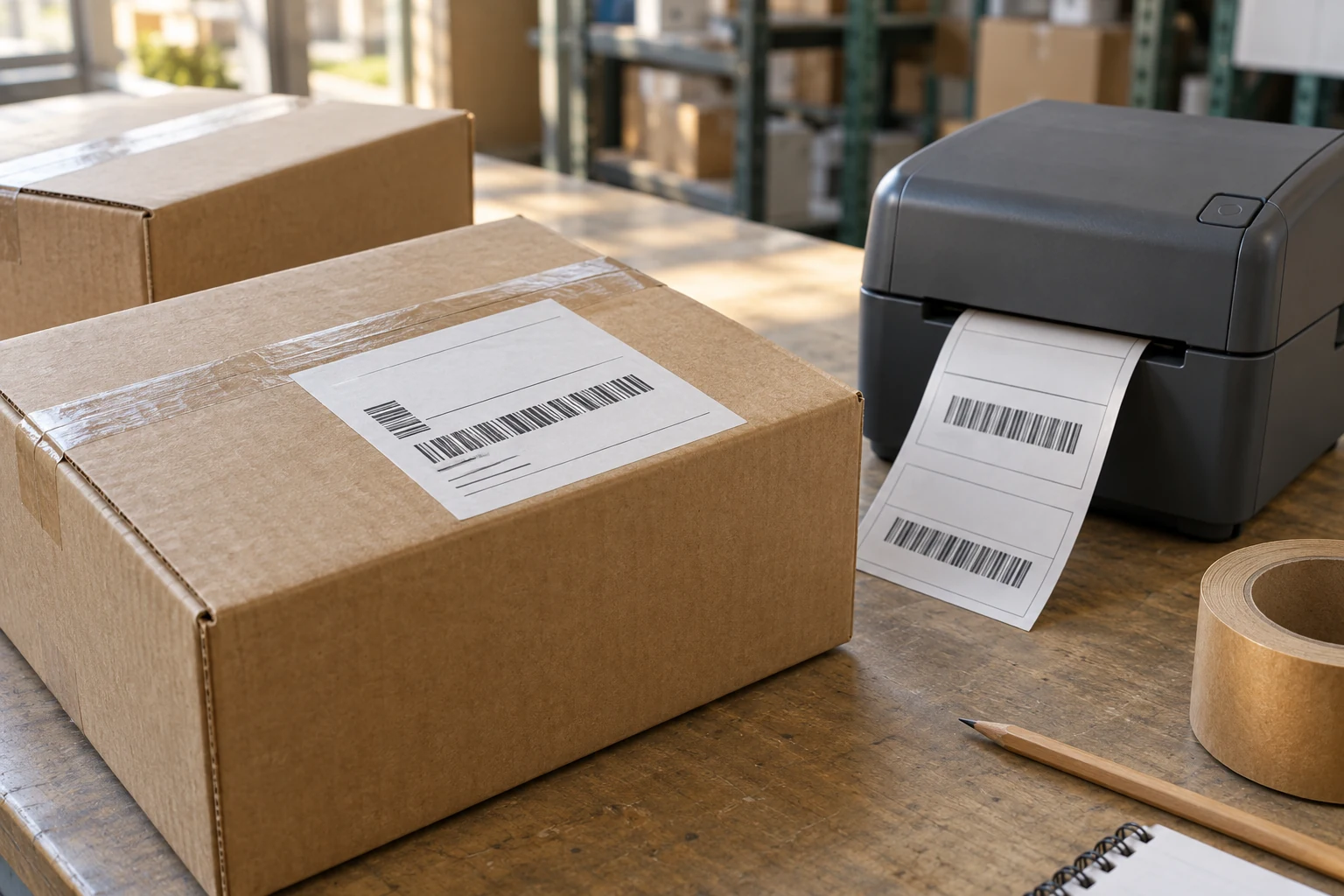
LABELS FOR LOGISTICS & ECOMMERCE
Shipping labels
for parcels and warehouses.
CXPAPER supplies direct thermal shipping labels, barcode label paper and thermal transfer ribbons. Specify the printing method, label size and package surface, then evaluate the sample in use.
LOGISTICS & ECOMMERCE / PROCUREMENT
A readable code
is only the first check.
An ecommerce operator needs the label to feed and align. The warehouse needs it to remain attached to the right package. Receiving teams need identifiers they can scan in the actual workflow. Treat the label as a complete construction—face material, adhesive and release liner—rather than buying by size alone.
- Ecommerce fulfilment — carrier templates, parcel materials and labels per shipping station.
- Distribution centres — stock and location identification tied to the installed printer system.
- Warehouse dispatch — label and ribbon combinations for cartons, packs and transport records.
APPLICATION / PRODUCT / SPECIFICATION
Make the buying
decision specific.
| Working requirement | Product route | Parameters to capture |
|---|---|---|
| Parcel shipping | Thermal labels or a transfer-print construction | Exact dimensions, print method, gap/mark, liner width and roll/fanfold format. |
| Stock identification | Label construction suited to the surface | Face material, adhesive requirement, surface texture, application and service conditions. |
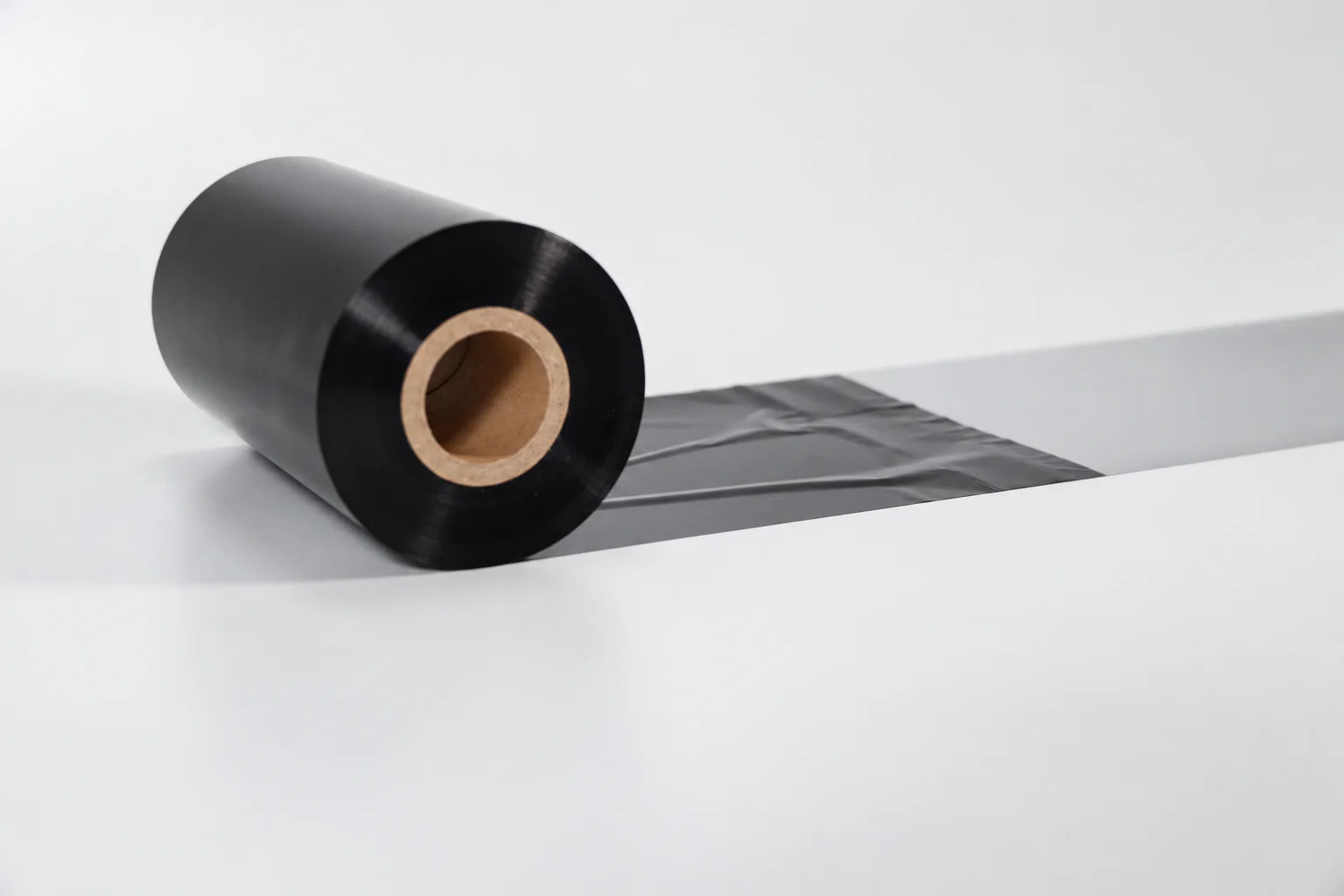
| Transfer printing | Label plus thermal transfer ribbon | Printer, ribbon width/length, core, coated side and winding; keep each item separately specified. |
THE CXPAPER PRODUCTION & SUPPLY SCOPE
Label construction.
Print method. Finished format.
Explore material & converting optionsCXPAPER’s confirmed label range includes thermal and coated-paper labels, alongside thermal transfer ribbons. The production scope covers paper slitting, rewinding, printing, cutting and packing. Size, material, grammage, logo and packaging can form part of a custom project. A label brief should also name the liner, adhesive requirement, sensing gap or mark, and presentation as a roll or folded supply where applicable.
Direct thermal media develops its image through heat; thermal transfer needs a compatible ribbon to carry the image onto the label surface. The correct route depends on the equipment and required performance. For coloured or preprinted labels, separate permanent artwork from information your printer will add. Label dimensions and cutting layout must leave the intended print area and a workable liner path; a decorative shape alone is not a production specification.
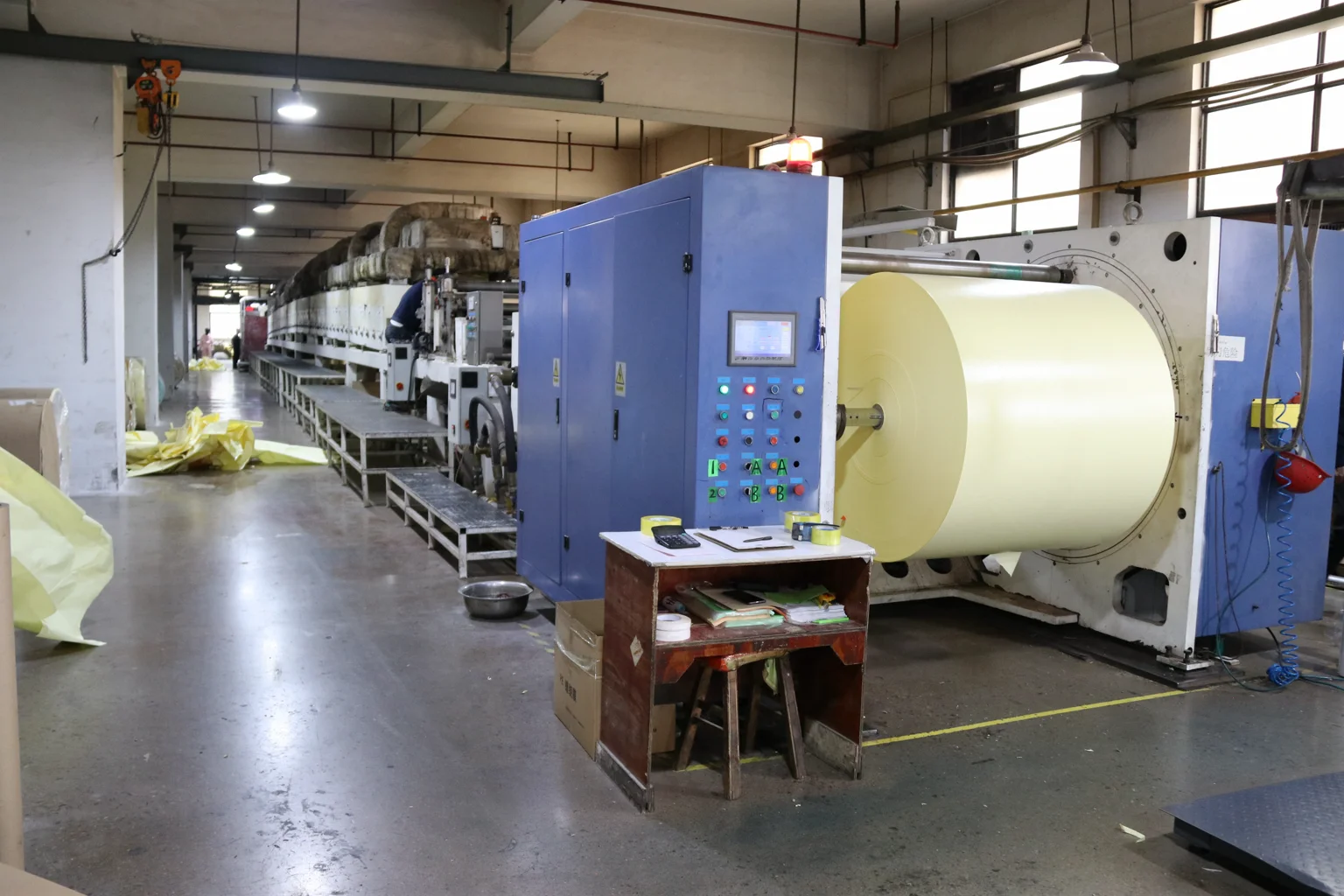
Label converting
See the production process
Choose the printing route before the consumables.
Identify the exact printer model and its configured method. Direct thermal printing uses heat-sensitive media without a ribbon; thermal transfer uses a compatible ribbon. A coated label should not be assumed to be direct thermal simply because its dimensions fit.
For thermal transfer, add the ribbon as its own enquiry item. Include its width, length, core, winding and ink-coated side, along with the label face material. Keep the intended pairing visible so sample review covers the printer, label and ribbon together. A familiar roll appearance is not a complete replacement specification.
Check exact dimensions before printing the sample.
100 × 150 mm and 4 × 6 inches are not identical: the latter is 101.6 × 152.4 mm. Confirm the exact media requirement for your printer and label layout rather than treating the two names as universal substitutes.
Use a representative template containing the information and barcode your workflow requires. Record its version and the printer's page settings. Review alignment and scanning in the intended process. If a print is cut off or displaced, check the template, scaling and sensing as well as the physical label; changing label size alone may not address the cause.
Evaluate the label on the real package.
Apply the sample to the packaging you actually use, following the normal surface preparation and application method. Separate the temperature at labelling from the conditions later in storage and transport. Record observations at times agreed for the review.
- Identify the surface, package shape and sample reference.
- Record printer settings and the ribbon reference, if used.
- Keep print and scan observations from the actual workflow.
- Photograph edge lift, movement or print changes with their conditions.
Agree the evaluation scope and acceptance requirements for the application. An adhesive name or ribbon family does not replace this review.
Keep fulfilment and purchasing units aligned.
State whether the quantity means individual labels, rolls, folded packs or cartons. Add labels per roll or pack and units per carton. Request identification that distinguishes label sizes, print methods and ribbon formats in the stockroom.
For preprinted labels, separate fixed artwork from information added by your printer. Include leading-edge orientation, barcode content and file revision. Give the destination and handling requirements, then retain the agreed sample and specification together. Sample fees, freight, construction and order conditions should be established for the project before it moves forward.
AN ORDER YOU CAN CHECK
Define the evidence
behind approval.
CXPAPER’s quality process covers incoming, in-process, finished-product and pre-shipment inspection, with inspection reports available for review. For labels, connect those stages to the selected construction, converted dimensions, printed layout and packing. Application temperature and service temperature are different fields. Any cold-chain, food-contact or regulated-use requirement needs product-specific documentation and an agreed evaluation; ordinary shipping-label supply does not establish that scope.
| Quality question | What the review covers | Evidence to retain |
|---|---|---|
| Feed & layout | Check label and liner dimensions, gap or mark, roll format and winding; run the intended template. | Retain the template revision, printer settings and sample reference. |
| Print & scanning | Inspect required information and scan the representative barcode using the operational equipment. | Record conditions and results; a successful scan is not a certified barcode grade. |
| Application surface | Apply to the actual carton, bag or container and examine attachment after the relevant handling stages. | Record surface, application temperature, elapsed time and observed edge lift or movement. |
Bring the intended use, critical measurements and required documents into the same discussion.
Discuss order qualityBUYER QUESTIONS / LOGISTICS & ECOMMERCE
Before you
place the order.
Can the same label be used on every parcel material?
Do not assume so. Describe each surface and relevant condition, then evaluate the proposed construction on the actual packages. A label reviewed on corrugated board is not automatically reviewed for another surface or application temperature.
Why should the ribbon be a separate enquiry item?
It has its own dimensions, core, coated side and quantity. Listing it separately preserves those requirements while linking it to the label and printer combination you intend to evaluate.
What information helps investigate label edge lift?
Provide the sample reference, photographs, surface material and shape, preparation method, application temperature and observation time. Include later storage or transit conditions. Those details help distinguish the inputs that need review.
What quality documents can CXPAPER provide?
CXPAPER can provide inspection reports for review. Identify the product, inspection scope and document requirements in the enquiry. A report should relate to the agreed material or order; a general brochure is not a batch inspection result.
Related products and guides
Technical reading.
These manufacturers’ references explain paper and label principles. CXPAPER capabilities on this page come from the company’s supplied materials; the referenced manufacturers’ own products, performance claims and certifications are not CXPAPER specifications.
FROM APPLICATION TO AN AGREED SPECIFICATION
A sample should answer
your operating question.
Specify what you print, the equipment or surface involved, and the issue the sample needs to resolve. Add quantity, packing and destination for the quotation.
Plan your label sample