
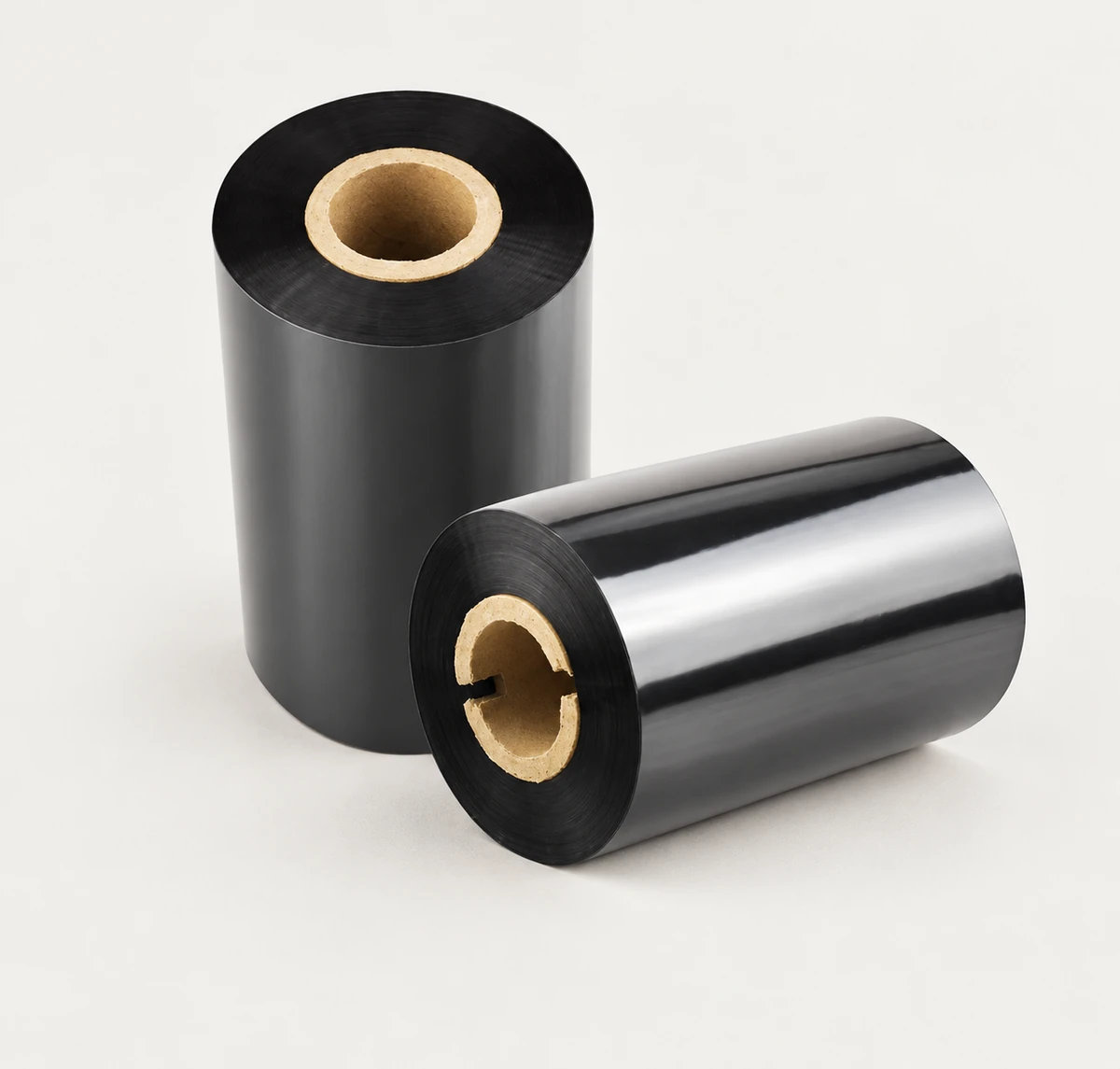
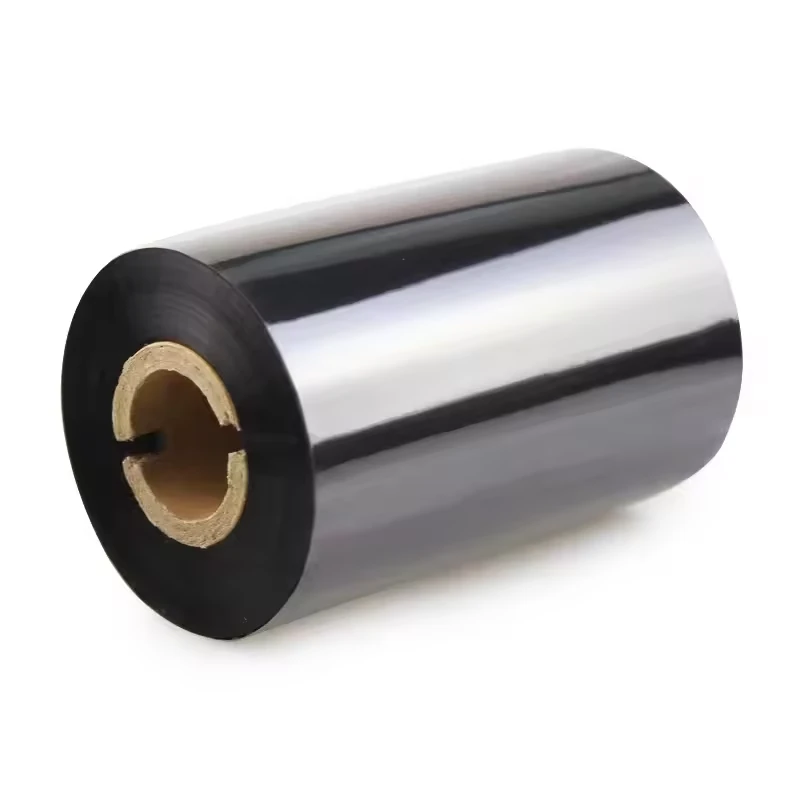
Ref. 1600737547203
Mixed-Base Thermal Transfer Ribbon
Listed size 110*300m
$1–2 / roll
Minimum order: 72 rolls
View specifications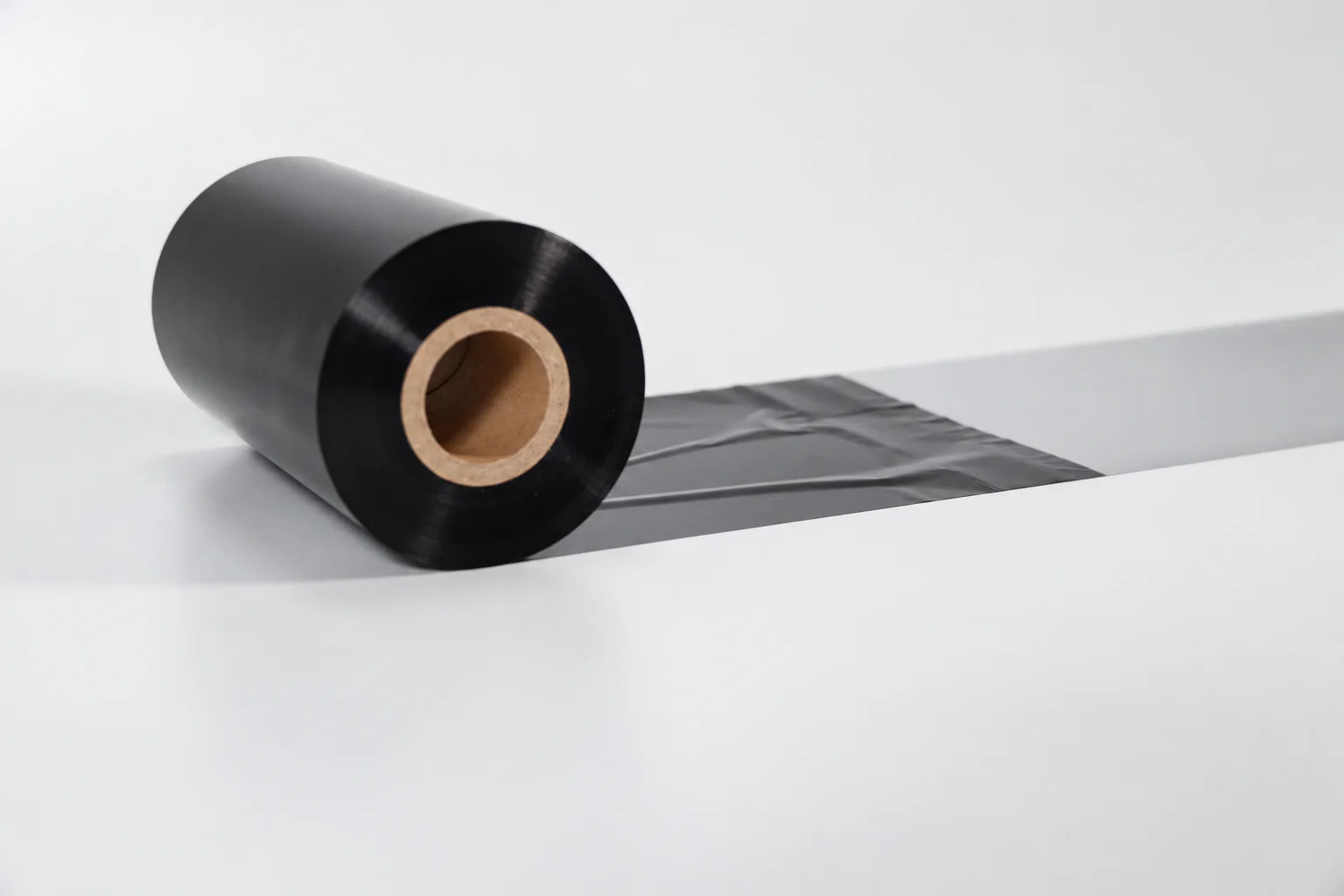
PRODUCT SPECIFICATION GUIDE
CXPAPER supplies thermal transfer ribbons for barcode and label printing. Match the ribbon formulation to the label material and printer, then confirm width, length, core and ink-coated side before sampling.
PRODUCT CATALOG
Ref. 1600737547203
Listed size 110*300m
$1–2 / roll
Minimum order: 72 rolls
View specifications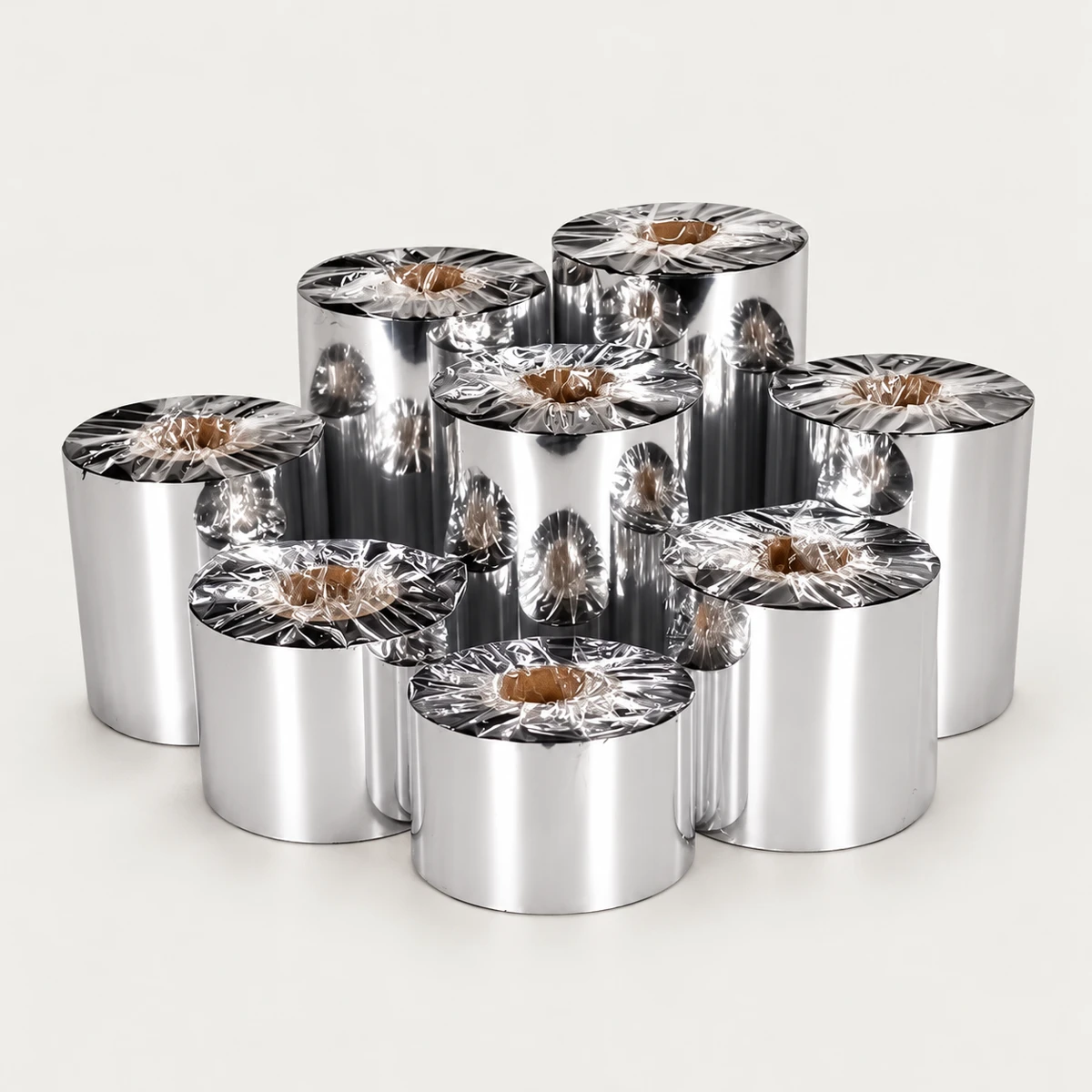
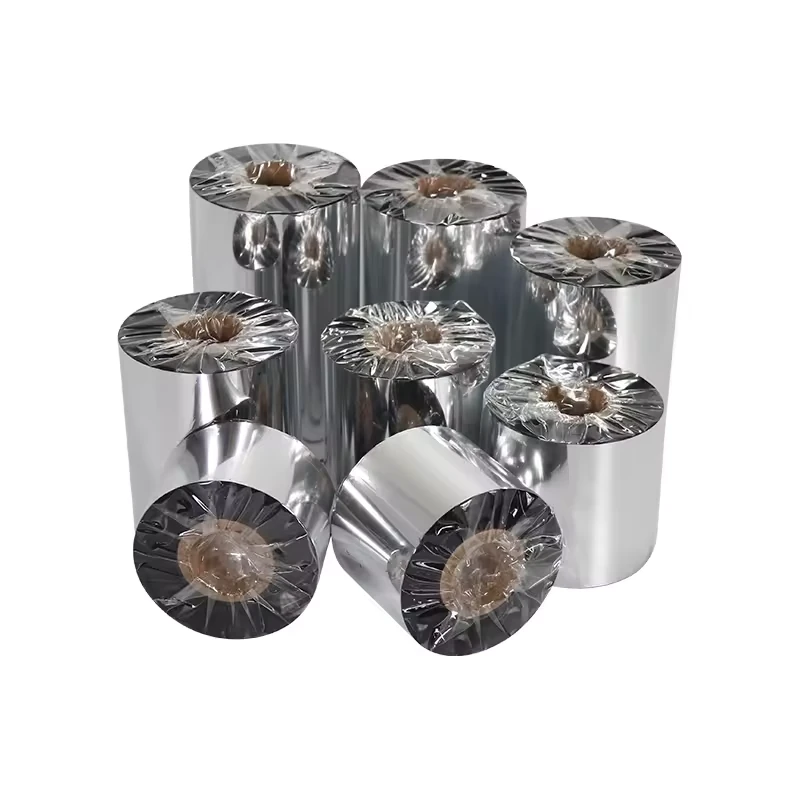
Ref. 1600958307955
Listed size Wax based
$1.20–1.50 / roll
Minimum order: 72 rolls
View specificationsDefine the requirement
Keep the product range and the complete order specification distinct. Use the fields below when discussing a new order or reviewing a replacement.
Thermal transfer ribbons carry the coating that a thermal-transfer printer transfers onto compatible label media to print text, barcodes and identification. CXPAPER includes ribbons in its product range; an enquiry should identify the exact printer, label face material and the ribbon format already in use, if known. Width and length are only the beginning: the core, winding arrangement and ink-coated side also need attention. For barcode and identification workflows, describe the exposures the printed label will face and the information that must remain readable. Review the proposed combination on your own equipment and media before selecting the ribbon for an order or a change of formulation.
| Range information | Product context |
|---|---|
| Product family | Thermal transfer ribbons |
| Range context | Ribbon selection reviewed with the printer, label material and intended application |
| Confirm for the order | Information to provide |
|---|---|
| Printer and media model / face material | Exact printer model and configuration, label face material and current ribbon reference if known. |
| Ribbon dimensions width mm / length m | State units explicitly, plus maximum roll OD and the required core dimensions. |
| Core, winding and ink side mm / orientation | Core ID and length, winding arrangement, coated side in or out, and any required leader or take-up details. |
| Formulation and use known type / conditions | Existing wax, wax-resin or resin reference if known, required print use and any exposure to rubbing, heat or chemicals. |
Schematic for specification. It does not define the dimensions or construction of every supplied item.
Selection decisions
Direct thermal printing does not use a ribbon. Confirm the printer method and the label construction first, then collect the ribbon requirements from the exact model's instructions. A ribbon enquiry should identify both the media and the equipment, even when a replacement roll looks familiar.
Give width in millimetres and length in metres, plus core and outside-diameter requirements. A notation such as 110 × 300 without labels is not a complete specification. Photograph or describe the current core arrangement and any take-up requirements rather than relying on width alone.
Coated side in, often shortened to CSI, and coated side out, or CSO, describe which face of the wound ribbon carries ink. The printer's required orientation must be checked. Do not guess from the roll colour or try to solve an incorrect coated side by changing the print darkness.
Wax, wax-resin and resin are general formulation families with different intended material and use combinations. Treat the names as a starting point, not a universal performance ranking or a list of confirmed stock. Review the proposed ribbon with the selected face material and the exposures that matter to the job.
A change in label material, ribbon or printer settings can change the printed result. Record those inputs together and retain a representative print. This makes later samples or reorders easier to compare without assigning the result to a ribbon name alone.
| Input | Information to supply | Decision it supports |
|---|---|---|
| Printer | Exact model, configuration and media instructions | Dimensions, core, winding and coated side |
| Label | Face material, liner width and intended print layout | Ribbon-to-media pairing and usable print coverage |
| Ribbon | Width, length, core and known formulation | A complete proposed replacement specification |
| Application | Readability needs and handling exposures | A relevant sample evaluation |
| General formulation family | Wax, wax-resin or resin if already known | Discussion of a suitable combination, not a stock or durability promise |
Custom paper & packing
For ribbons, the useful custom brief concerns the required format, matching media and packing. Do not apply paper-logo or paper-weight options to this product by default.
See the custom-order processBefore order approval
| Check | How to review it | What to record |
|---|---|---|
| Installation and format | Check the proposed ribbon against the printer instructions, including core arrangement, dimensions, winding and coated side before loading. | Printer model, ribbon reference, measured format and installation arrangement. |
| Printed information | Use the intended label and representative text or barcodes. Review the print at the settings selected for your actual workflow. | Media, ribbon, settings, dated prints and reading or scanning observations. |
| Application handling | Evaluate the exposures that are relevant to the label's job using an agreed method, rather than assuming a formulation name proves durability. | Conditions, method and observed result, with acceptance requirements agreed separately. |
Agree the sample scope and acceptance criteria for your order. These review points are not a claim of a completed test.
Packing & repeat orders
Count ribbon rolls as a separate enquiry item from label rolls. If you are requesting both, keep their dimensions and quantities distinct while identifying the combination you plan to test.
Product questions
Direct thermal printing uses heat-sensitive media without a ribbon. Thermal transfer printing uses a ribbon with compatible media. Check which method your printer and label construction support.
No. Length, core dimensions, roll diameter, winding and the ink-coated side can also affect compatibility. Confirm these against the exact printer model.
These are different ribbon formulations. Ask for a suitable formulation based on the label face material, printer and required resistance to rubbing, heat or chemicals. Availability and performance are confirmed for the selected ribbon.
Test it with the intended printer settings and actual label material. Review the printed text or barcode and the durability required by your workflow before approving the combination.
No. Confirm the coated-side requirement and the proposed ribbon identification using the printer instructions and supplier information. Both faces may appear dark, so colour alone is not a reliable ordering field.
No. The formulation must work with the printer, face material and application. Describe the exposure you need to evaluate and test the proposed combination. A formulation name is not a performance guarantee.
Use the printer's ribbon and media requirements, including the full media and liner path, rather than only the printed image. State ribbon width and label/liner dimensions separately so the required coverage can be reviewed.
Yes. Add them as separate requirements and identify the intended pairing. Keep each quantity, dimension and packing unit visible so the proposed sample and quotation can be reviewed as a system.
Your product brief
Add this requirement to your brief. You can include several product families or separate sizes, then review them together before contacting CXPAPER.
Product specifications are saved on this device. Contact details are entered separately.