
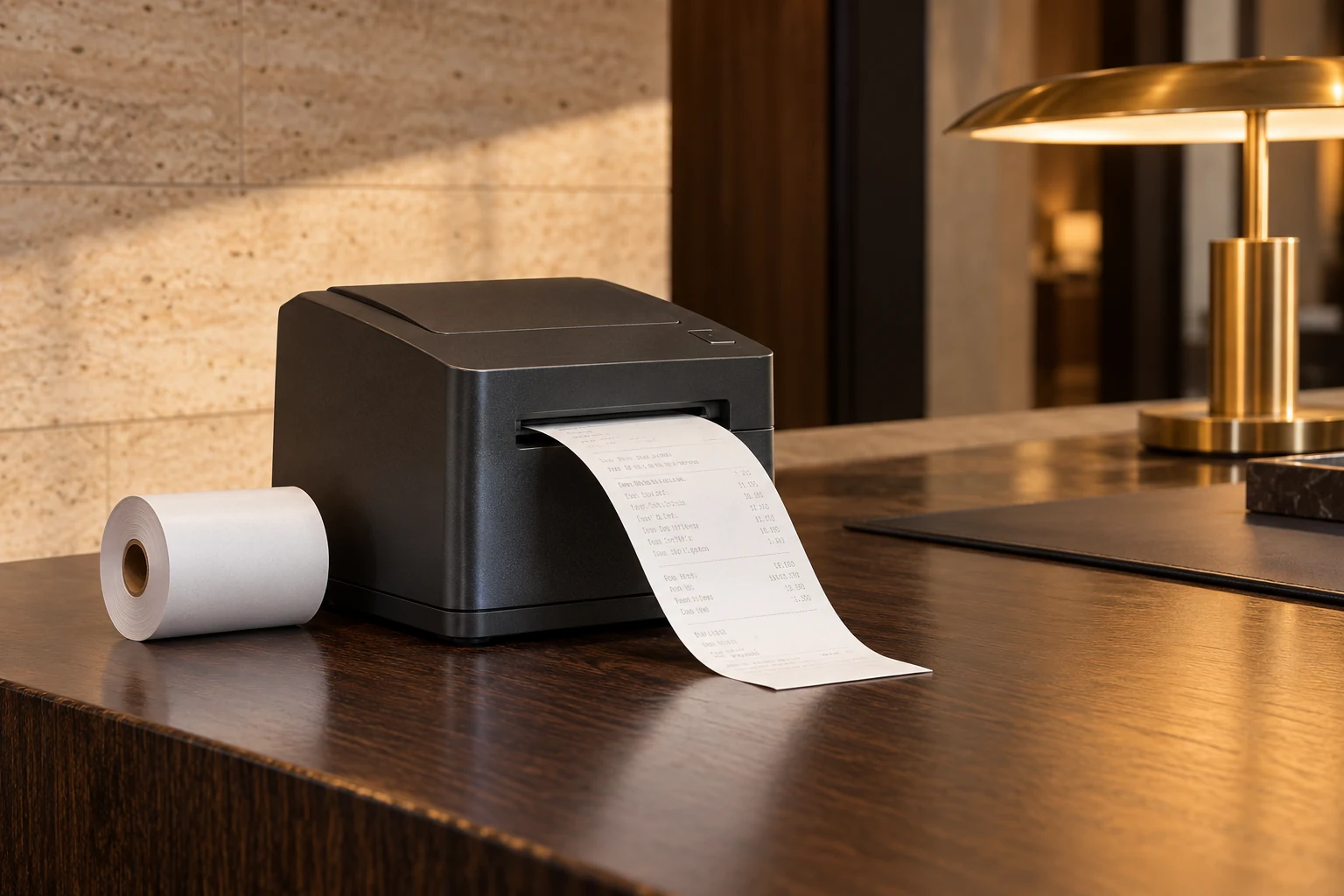
PAPER FOR RETAIL & HOSPITALITY
Receipt paper
for retail and hospitality.
CXPAPER supplies thermal receipt paper and POS cash register rolls for shops, restaurants and hotels. Match width, diameter and core to each printer, then specify length, printing and packing.
RETAIL & HOSPITALITY / PROCUREMENT
A small roll.
A daily operating decision.
Store operations need reliable loading and readable receipts. Purchasing needs comparable roll lengths and a repeatable specification. Marketing needs the right artwork on the reverse. Bringing those requirements together prevents a familiar-looking replacement from becoming a different product at the counter.
- Supermarkets & convenience stores — replenishment across checkout lanes and store formats.
- Restaurants, cafés & hotels — front-desk receipts and supported point-of-sale printers.
- Service counters & takeaway operations — receipt printing and separately specified identification labels.
APPLICATION / PRODUCT / SPECIFICATION
Make the buying
decision specific.
| Working requirement | Product route | Parameters to capture |
|---|---|---|
| Checkout receipts | Thermal paper rolls | Printer model, width, outside diameter, core ID/OD and declared metres per roll. |
| Branded receipt reverse | Custom-printed thermal rolls | Printed side, artwork repeat, leading-edge direction and current proof revision. |
| Store distribution | Inner-packed and cartoned rolls | Rolls per pack/carton, identifiers, destination and store-level handling. |

THE CXPAPER PRODUCTION & SUPPLY SCOPE
The roll, the print
and the pack.
Explore material & converting optionsCXPAPER’s production scope includes slitting, rewinding, printing and packing. For receipt-paper projects, these operations connect the selected paper grade with the finished width, core, roll quantity and presentation. Size, grammage, material, logo and packaging are available customisation fields. The company brochure lists thermal-paper grammages from 48–70 g/m²; this is a range to discuss for the order, not a thickness measurement or a promise that every grade fits every printer.
Ordinary, longer-retention, protected and BPA-free grades appear among the brochure options. Treat each as a specific material choice with its own supporting information. Where printed receipts remain with a customer, discuss image-retention and exposure requirements as part of material selection. A back-printed logo or promotion is developed from the artwork direction, repeat and print position; the thermal print side must still suit its intended use.
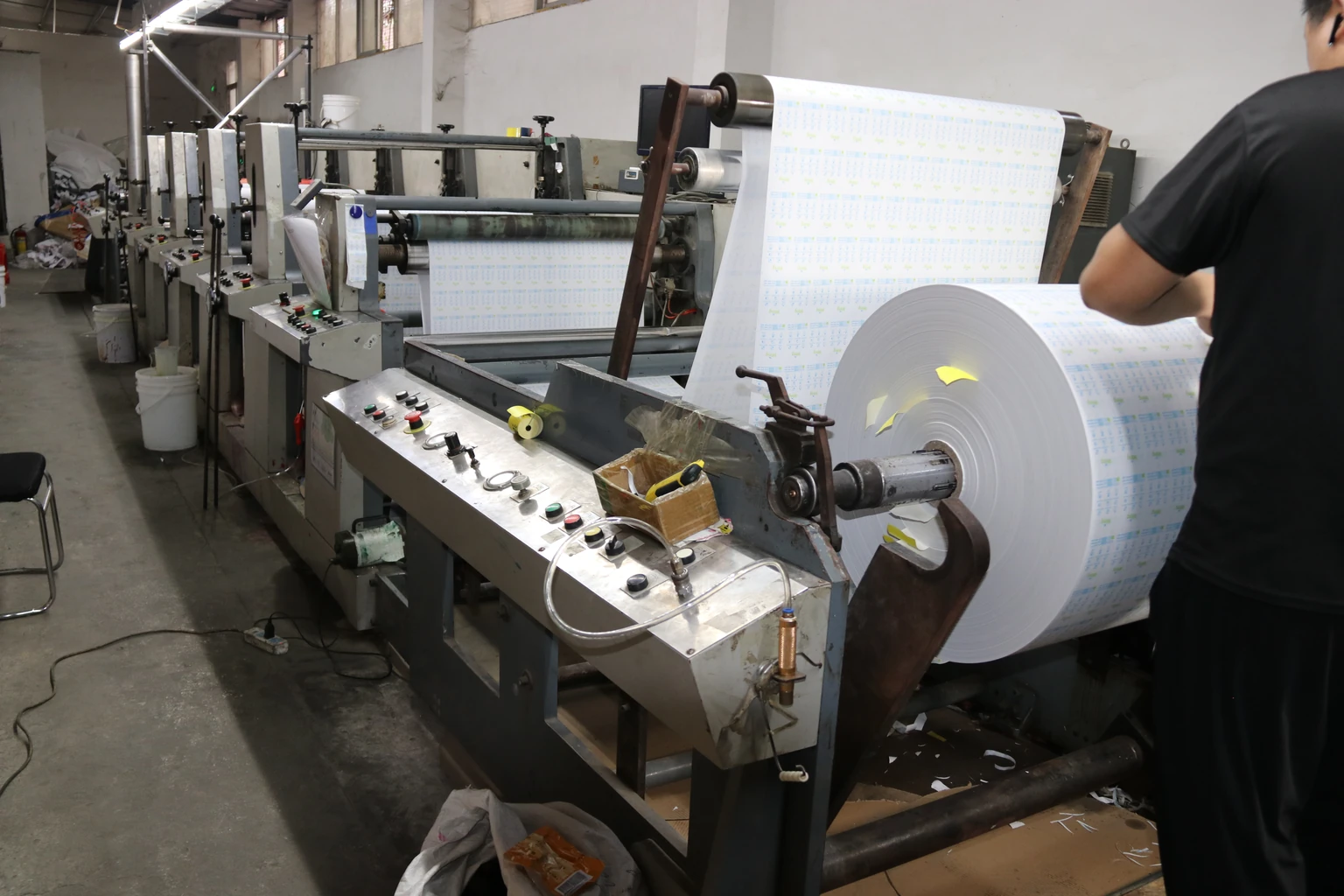
Receipt-paper printing
See the production process
Group the printers before grouping the order.
Do not assume that every counter using an 80 mm roll needs the same specification. Record the exact printer model and its media requirements, including paper width, maximum roll outside diameter and core dimensions. Use the printer instructions or an existing specification as the starting point.
Create one requirement line for each distinct roll. Add the locations that use it, the purchasing quantity and the unit. The 57 mm and 80 mm widths in CXPAPER's range are useful starting points, but width alone does not establish compatibility. Keep any unknown dimensions visible as questions for review.
Review a sample at the actual counter.
Choose a representative printer from each equipment group. Check installation, receipt layout, text readability and normal feeding, cutting or tearing. If the roll carries back printing, review the direction and position on the paper as it leaves the printer.
- Record the sample reference, printer model and settings.
- Compare the measured dimensions with the agreed specification.
- Keep dated print examples and photographs of any concern.
- Record the conditions and checking method your team used.
These are buyer evaluation suggestions. Agree sample scope, fees, freight and the criteria for acceptance before arranging the review; no fixed sample timing is assumed.
Describe the journey from carton to counter.
A central warehouse and a single restaurant may need different packing instructions. State rolls per inner pack and packs or rolls per carton. Identify the product clearly enough that staff can distinguish similar-looking roll formats without opening every pack.
Give the destination and explain any store-level distribution or pallet requirements. Keep unopened stock protected and follow the selected material's storage guidance. At receipt, record damaged cartons, crushed rolls or signs of moisture exposure with the delivery reference. Avoid assuming that a familiar carton size contains the same paper quantity as a previous purchase.
Make a custom or repeat order traceable.
Keep the technical specification, paper artwork and packaging artwork as separate review items. For logo printing, identify the side, orientation, position and current file revision. A flat proof should be checked against a sample of the finished roll.
For a repeat enquiry, reference the agreed specification and sample, then list changes to equipment, quantity, artwork or destination. Compare quotes using the same declared length, paper grade, core and packing count. The cost-per-100-metres tool helps normalise paper quantity after the products and included costs have been aligned.
AN ORDER YOU CAN CHECK
Define the evidence
behind approval.
Incoming material, production, finished-product and pre-shipment inspection are the four stages in CXPAPER’s quality process. For a store-supply order, translate them into the dimensions, printing and packing points that matter to your equipment fleet. Inspection reports can be requested for review; the recorded checks and acceptance limits should be identified in the order.
| Quality question | What the review covers | Evidence to retain |
|---|---|---|
| Roll construction | Measure width, core and outside diameter; check edge condition, winding and the declared length basis. | Compare with the approved order specification, not the colour of the wrapper. |
| Printer performance | Load a representative roll; print the normal layout and examine feeding, legibility and cutting or tearing. | Keep the printer model, settings and a dated receipt from the trial. |
| Printing & packing | Read the artwork version, direction and pack identification; count the agreed unit quantities. | Keep the approved proof and pack reference beside the received samples. |
Bring the intended use, critical measurements and required documents into the same discussion.
Discuss order qualityBUYER QUESTIONS / RETAIL & HOSPITALITY
Before you
place the order.
Can several store specifications be included in one enquiry?
Yes. Add a separate item for each roll specification, with its quantity and unit. Identify the printer group or locations it serves. This keeps similar widths with different cores, diameters or packing from being combined accidentally.
What if store staff know only the printer model?
Use that model and describe the roll currently in use. A photo or existing sample can support the discussion. Leave unknown measurements for review rather than guessing a core size or paper length.
Does a lower roll price mean a lower receipt-paper cost?
Not necessarily. Compare the same specification and declared metres per roll, then align packing, currency and delivery scope. A less expensive roll may contain less paper; the price alone does not explain the difference.
What quality documents can CXPAPER provide?
CXPAPER can provide inspection reports for review. Identify the product, inspection scope and document requirements in the enquiry. A report should relate to the agreed material or order; a general brochure is not a batch inspection result.
Related products and guides
Technical reading.
These manufacturers’ references explain paper and label principles. CXPAPER capabilities on this page come from the company’s supplied materials; the referenced manufacturers’ own products, performance claims and certifications are not CXPAPER specifications.
FROM APPLICATION TO AN AGREED SPECIFICATION
A sample should answer
your operating question.
Specify what you print, the equipment or surface involved, and the issue the sample needs to resolve. Add quantity, packing and destination for the quotation.
Plan your receipt-roll sample