
STAGE 01
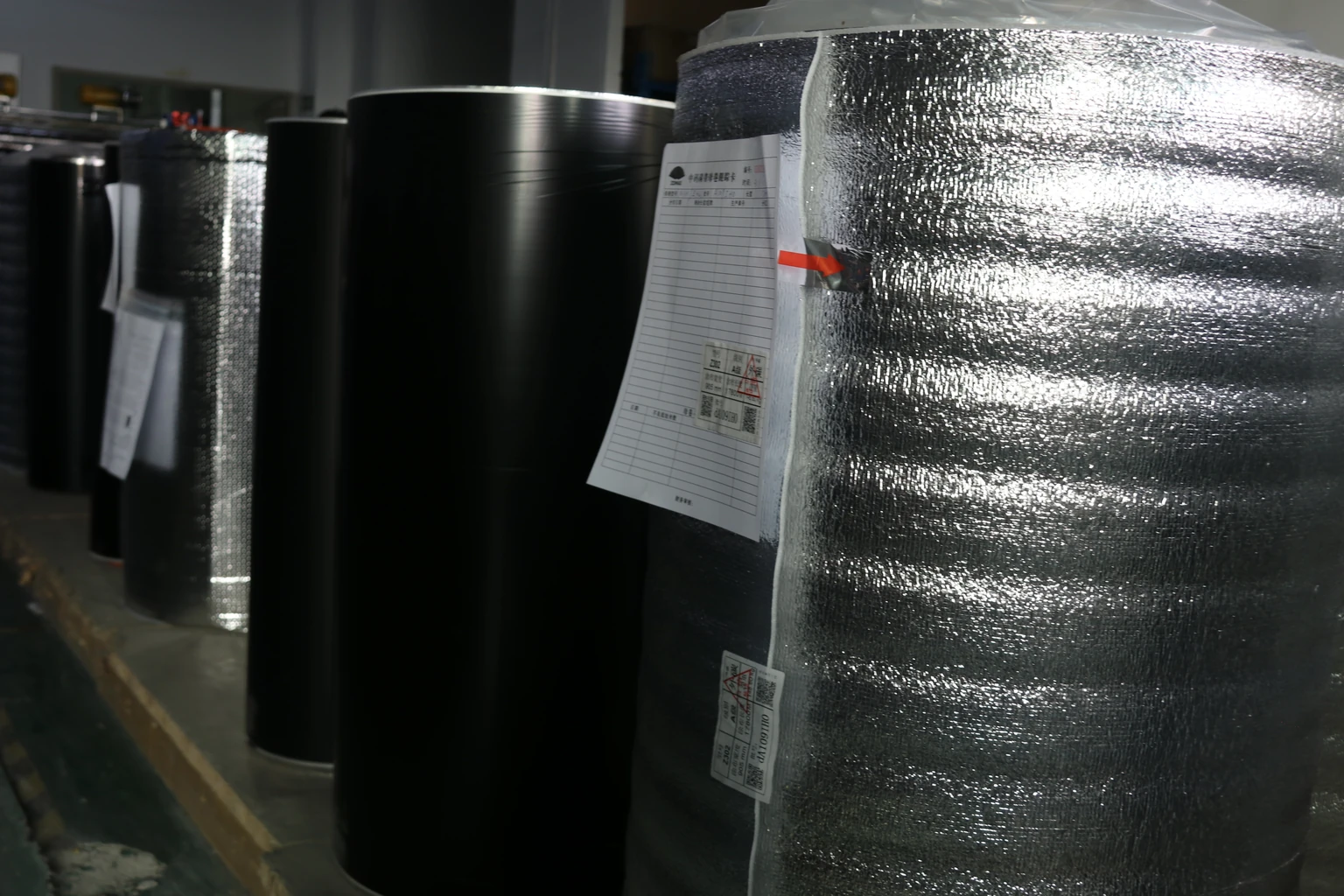
Incoming
Is the selected material identified for the proposed product?
Details to agree
Material or grade reference and required supporting information.

Quality & sample evaluation
CXPAPER inspects incoming material, work in progress, finished products and shipments. Define the dimensions, printing, packing counts and required test reports for thermal receipt paper, labels or business paper in the order.
01 / The acceptance decision
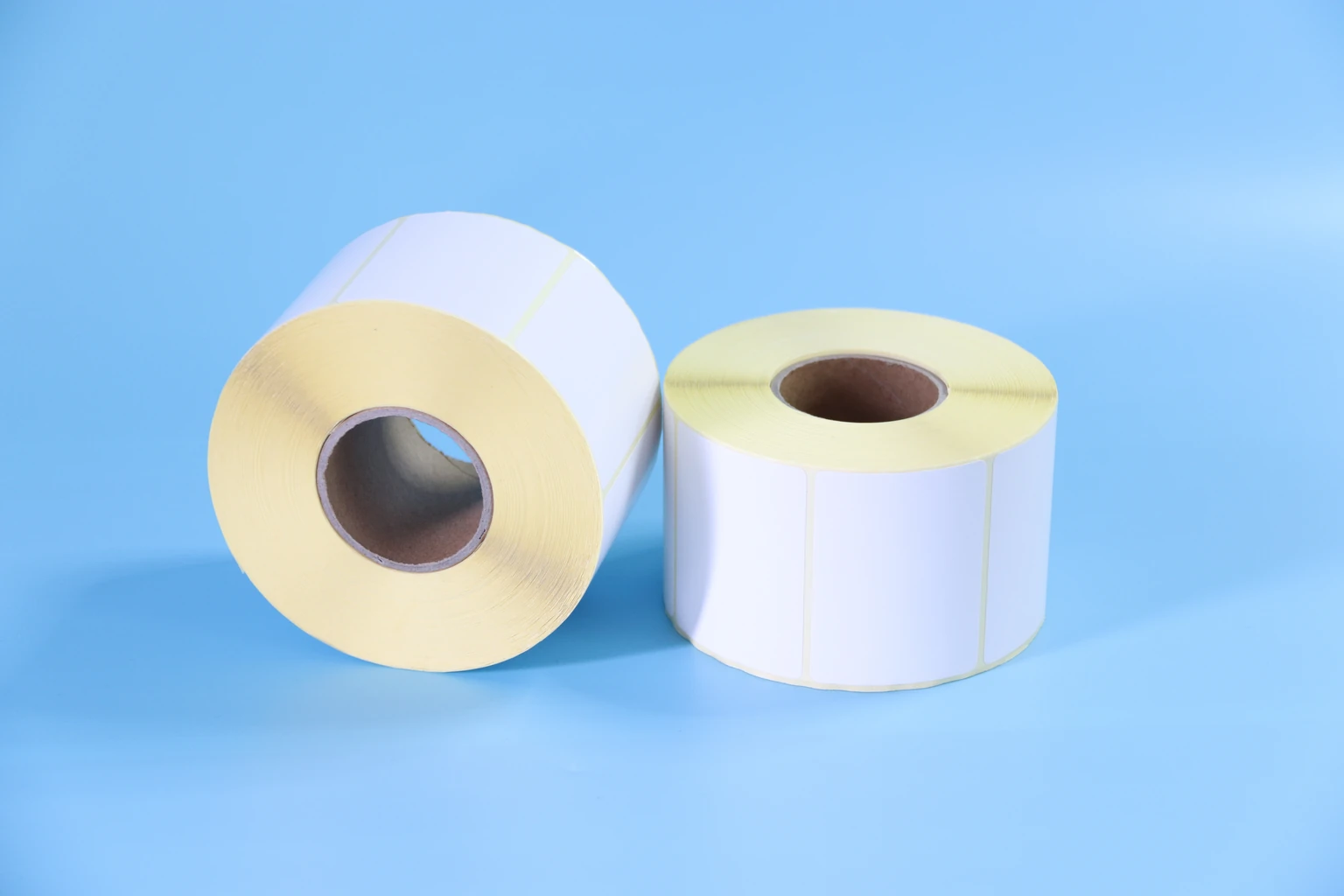
Start with the product’s job: fit the intended printer, feed through a form workflow, produce the required copies or stay attached to the intended package. Then separate dimensions, appearance and application performance. Identify critical limits, evaluation conditions and any customer-required method before approving the reference. A product name or photograph alone cannot define those requirements.
02 / Inspection stages
Follow the material, the converting work, the finished item and the packed order. Give each stage a product reference and an agreed question to resolve.
STAGE 01
Is the selected material identified for the proposed product?
Material or grade reference and required supporting information.
STAGE 02
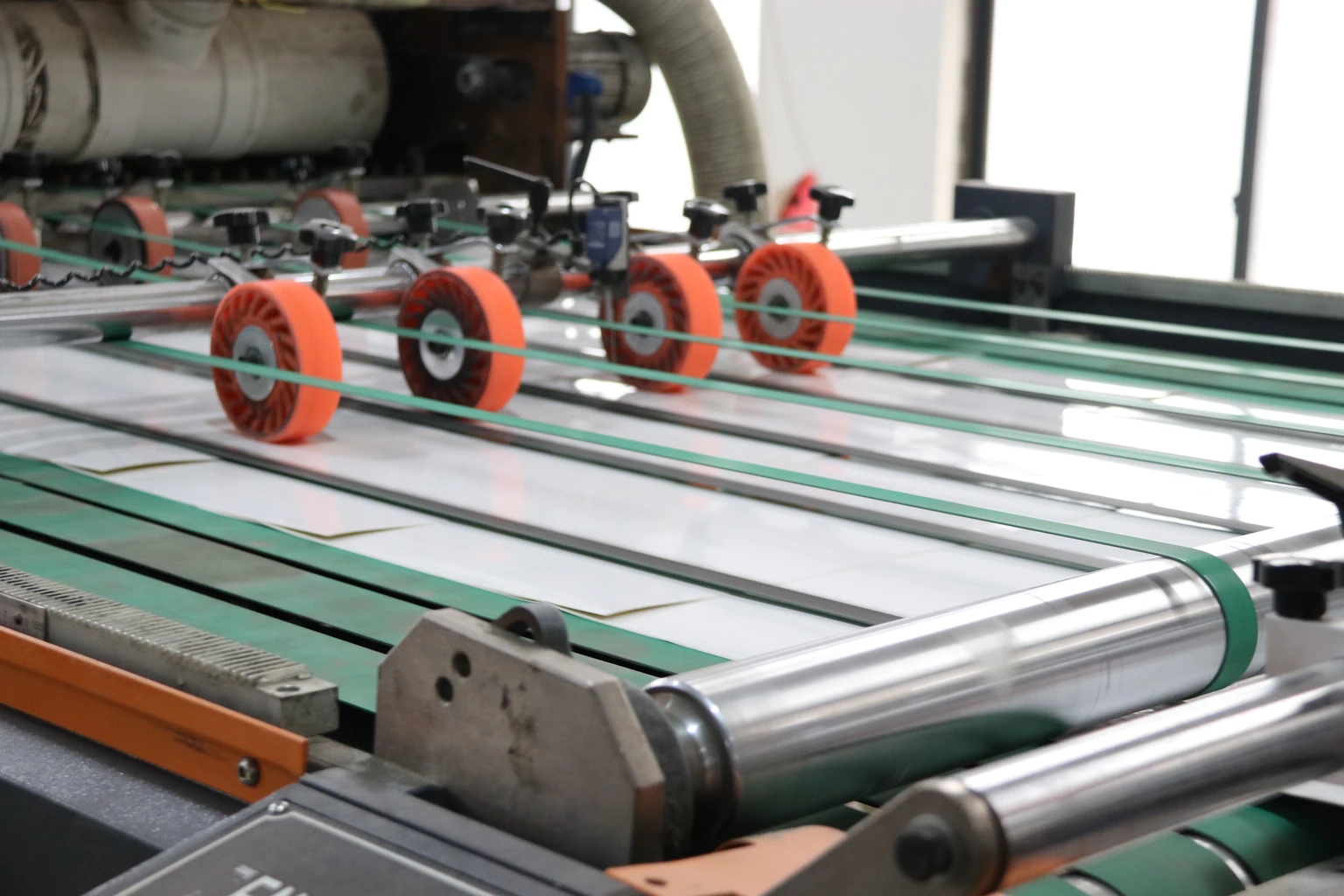
Does the converting work follow the agreed construction?
Relevant dimensions, winding or artwork-position requirements.
STAGE 03
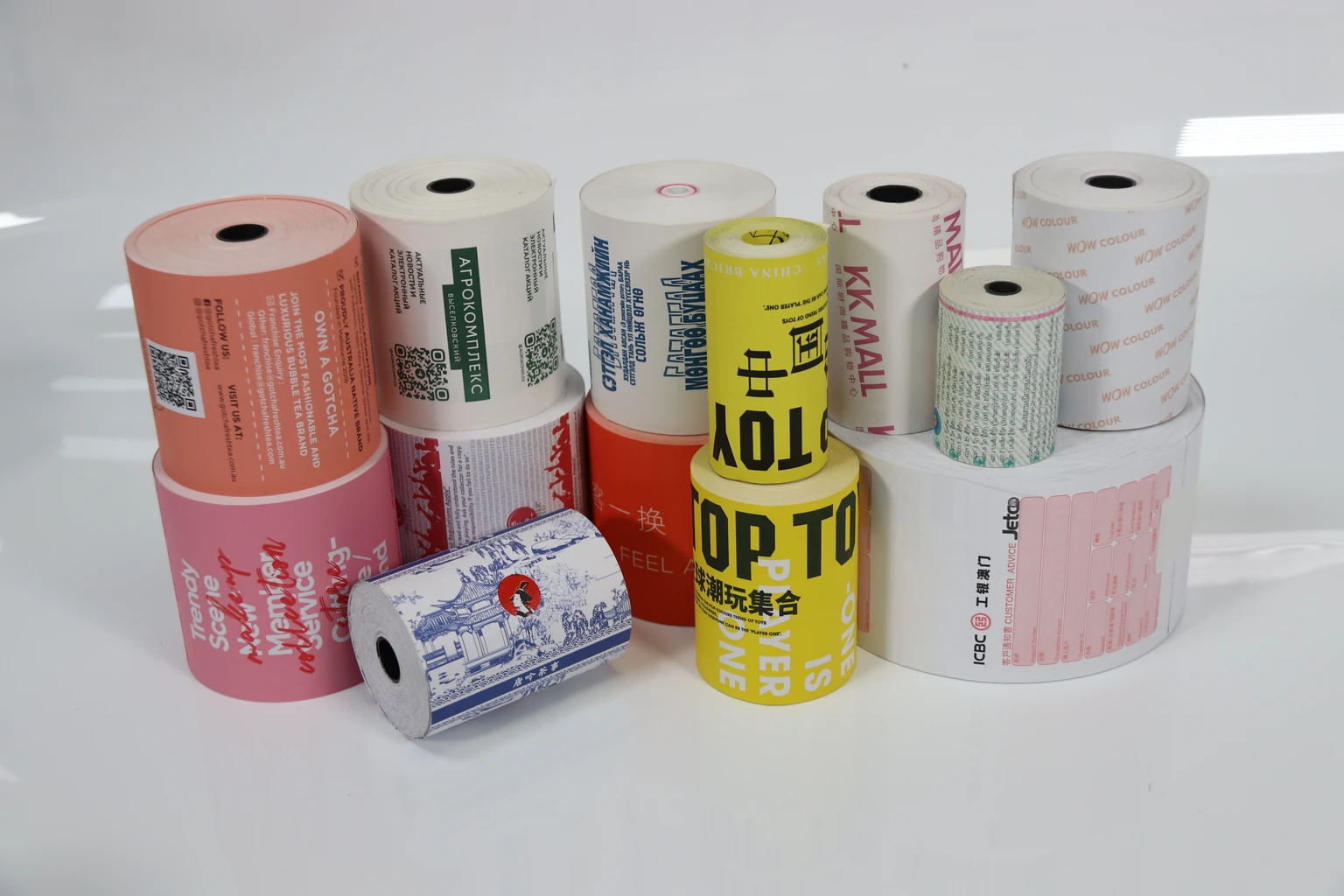
Does the finished item match the agreed reference?
Construction, appearance and applicable product or application checks.
STAGE 04
Is the order prepared with the agreed count and identification?
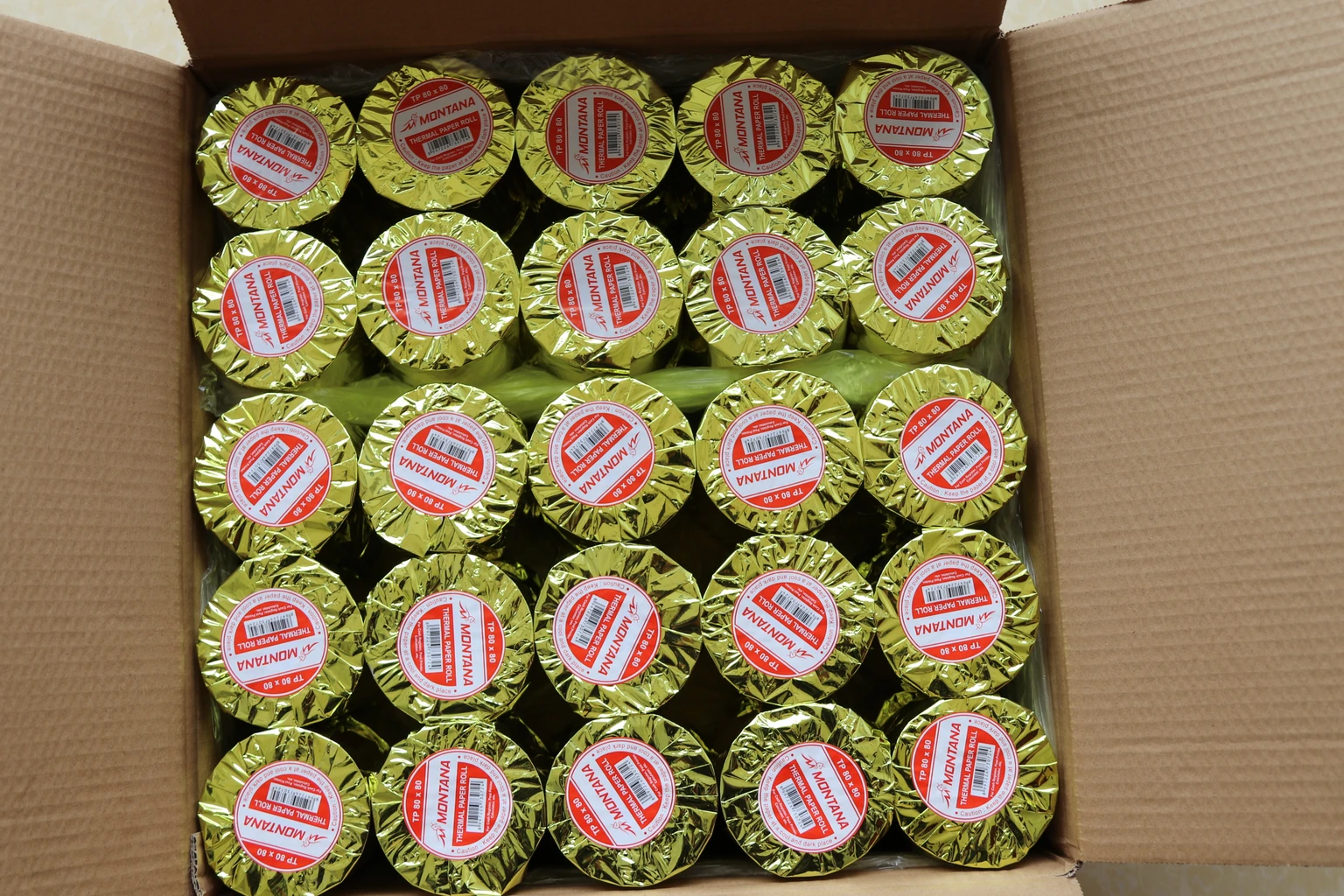
Quantity units, packing, carton marks and required shipment information.
Photographs show the relevant materials, production setting and packing examples. The inspection record should identify the checks performed and their results.
The inspection stages do not establish a universal tolerance, test method or sampling frequency. Include any required limits and sampling arrangements in the order discussion.
03 / Sample use conditions
Use the selected material, the intended printer and the actual receiving application together. These are useful buyer review points to agree for your order.
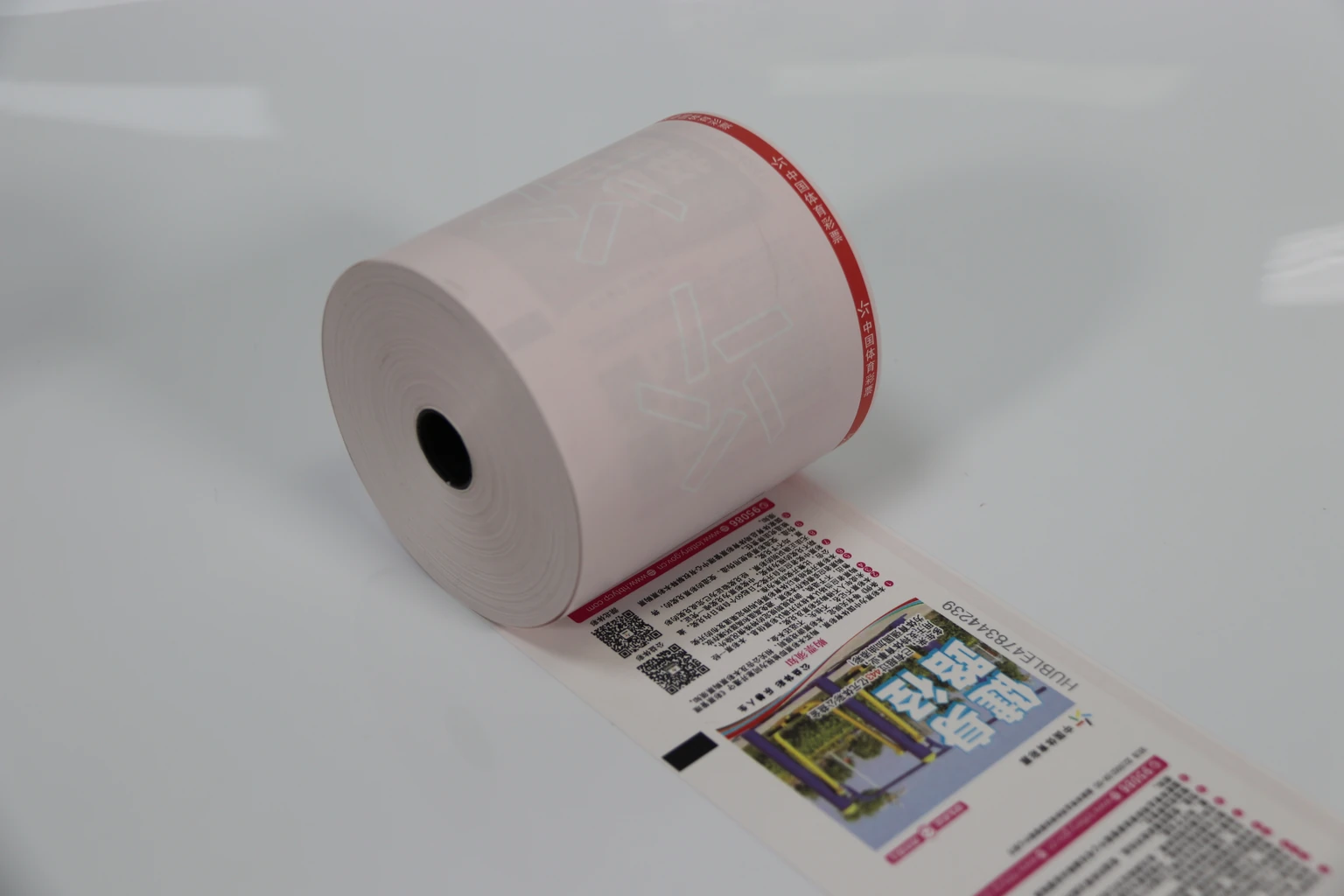
MATERIAL + EQUIPMENT + USE
A paper or ribbon reference becomes more useful alongside the printer model, settings and operating conditions. Keep those details with the observations from your sample review.
| Product | A useful sample review |
|---|---|
| Receipt rolls | Roll fit, feeding and paper direction; receipt readability; preprinted artwork and intended record-retention conditions. |
| Direct thermal labels | Feeding and image readability; adhesion to the actual carton or package under the intended handling conditions. |
| Thermal transfer labels and ribbons | The selected face material, ribbon and printer settings together; barcode readability and handling or abrasion requirements. |
| Copy paper | Sheet format, grammage and pack count; feeding in the intended printer using the print mode your customer will use. |
| Continuous forms | Feeding, alignment, perforations and legibility through all agreed parts using the complete form layout. |
| Carbonless paper | The intended pressure-printing method, colour sequence and transfer legibility through the selected parts. |
04 / Quality review
| Product | Check the product | Evaluate in use |
|---|---|---|
| Thermal paper rolls | Width, roll diameter, core, declared length and print appearance. | Use the intended printer; keep the roll reference and settings with the result. |
| Label paper | Label and liner dimensions, gap or mark arrangement and print position. | Use the intended printer and actual package surface; record application and exposure conditions. |
| A4 copy paper | Finished format, stated grade, pack count and condition. | Use representative documents and the intended equipment; record single- or double-sided use. |
| Continuous computer paper | Total and usable width, form length, holes, perforations and part alignment. | Check consecutive forms through the intended feed path with the relevant printer settings. |
| Carbonless NCR paper | Part sequence and the required number of copies. | Use the normal writing or printing method and review every required part of the set. |
| Thermal transfer ribbons | Format, coated side and the selected printer/label combination. | Record ribbon and label references, print settings and any application-specific handling check. |
These are sample-review topics for the buyer and supplier to agree. They do not claim a particular CXPAPER laboratory method or a performance result.
A sample record shows what was checked and observed under the recorded conditions. Keep that evidence separate from the decision to approve the order.
05 / The sample record
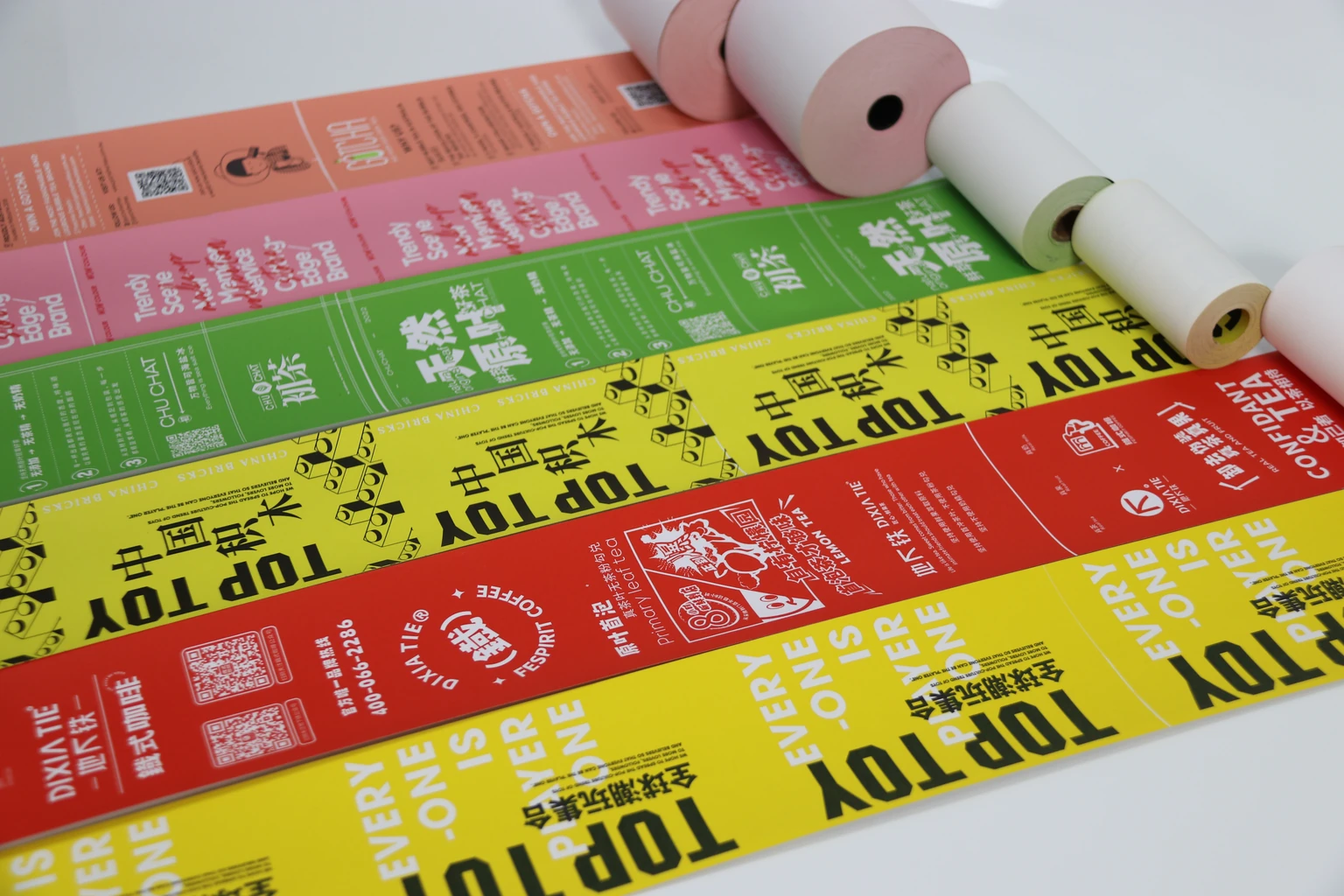
“The last copy was difficult to read” becomes a more useful observation when it includes the part count, printer and settings. If the material, dimensions, artwork or use conditions change, decide which checks should be repeated.
06 / Supporting documents
State the product, intended market or use, characteristic to be assessed and any required document format at the enquiry stage. When reviewing a report, check the named organisation, sample or product identity, issue details and scope. Keep the document connected to the proposed construction. A result for one sample should be read within that scope.
07 / Quality review
Share the order or product reference, affected quantity and batch identification where present. Include a complete-product photo, a close view of the issue, packaging labels, the equipment model and operating conditions. Record whether the issue affects every item reviewed or a particular group. Retain affected samples for the next agreed review step.
BEFORE THE ORDER
The stated process covers incoming, in-process, finished-product and pre-shipment inspection. The relevant checks, acceptance limits and sampling requirements should be defined for the product and order.
A sample review applies to the equipment and conditions actually evaluated. Identify the printer groups in your operation and decide which combinations need review.
Start with equipment requirements, the intended application and any customer specification. Agree critical dimensions, the evaluation method and the basis for acceptance before reviewing the sample.
Include the exact product and document requirement at the enquiry stage. Its availability and relevance need to be reviewed against the proposed construction and the purpose of the document.
Provide the order reference, affected quantity, photographs, equipment, settings and application conditions. Keep the product and packaging identification and retain affected samples for the next review step.
Find the product dimensions, request a sample or download a checklist for your order.
DISCUSS YOUR REQUIREMENT
Start with your product, dimensions or current reference, quantity and destination. Add the questions you need answered before committing to the order.
Discuss quality requirements