
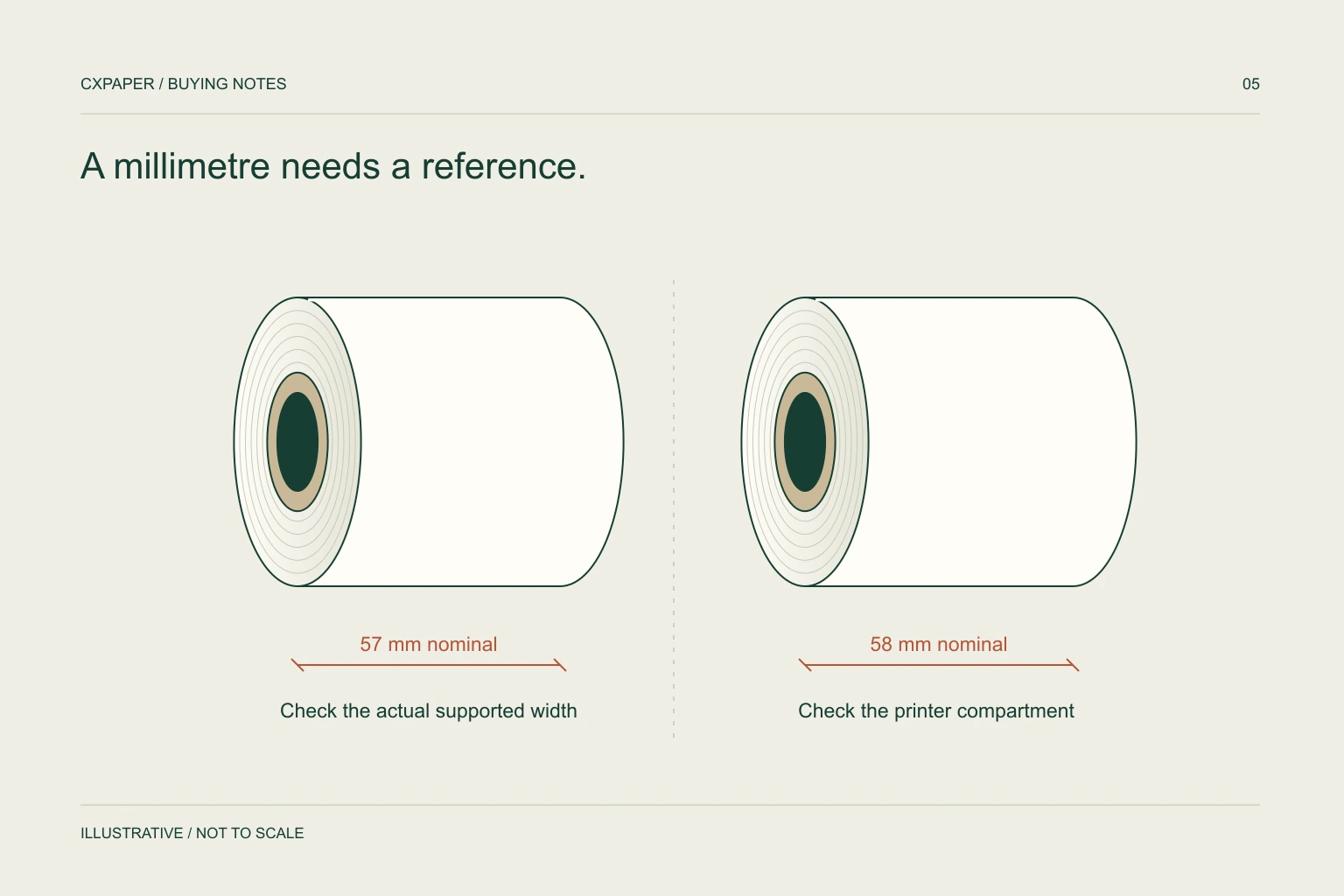
A “58 mm printer” does not automatically require paper measuring exactly 58.0 mm. Check the manufacturer’s actual paper width and tolerance, then compare the proposed roll’s measured width, outside diameter and core. Marketing size names alone cannot establish compatibility.
Separate the printer name from the paper specification
The first number on a supplier listing may be a nominal size rather than a complete manufacturing specification. A buyer searching for 57 mm rolls and another searching for 58 mm rolls may be trying to replenish the same printer family. That overlap is a reason to investigate, not a reason to treat the names as universally interchangeable.
For a concrete example, Epson’s TM-m30 specifications list a narrow paper width of 57.5 mm ± 0.5 mm. Epson also calls the corresponding setup a 58 mm paper-width configuration. These statements describe that printer and configuration; they do not set the tolerance for every compact receipt printer. See Epson’s model specifications.
Check four dimensions before approving a replacement
| Field | What to record | Why it matters |
|---|---|---|
| Paper width | Actual width and permitted tolerance in mm | The paper must follow the intended print path. |
| Roll outside diameter | Full-roll diameter, not the core opening | A correct width can still be too large for the compartment. |
| Core inner diameter | The opening through the core | A spindle or holder may require a particular opening. |
| Core outer diameter | The surface from which paper is wound | It affects roll construction and estimated length. |
Photograph the printer model label and the current roll beside a ruler. Measure an undamaged edge and distinguish a partly used roll from a new full roll. A sample is useful evidence of what has been used, but the printer manual remains the reference for the permitted range.
Confirm guides, settings and printable width
A machine that accepts two paper widths may need a physical guide and a software setting. Epson’s TM-m30 narrow-width instructions illustrate this: they call for installing the 58 mm guides and changing the paper-width setting. The same instructions also place a restriction on returning to wider media after extended narrow-width use, so follow the procedure for your exact model. Read the Epson width-change instructions.
Paper width and printable width are different fields. A receipt layout can lose the last character of a line even when the roll feeds normally. Include a representative receipt with long item descriptions, totals, a logo and any barcode in the sample review. Check the software layout before assuming the paper is faulty.
Ask suppliers to translate shorthand into labelled values
A listing such as “57 × 40” often means paper width by roll outside diameter, but the supplier must confirm that convention. Ask for the dimensions in labelled fields and request metres per roll separately. Avoid comparing a roll with a 40 mm outside diameter against one with a 40 metre length simply because both descriptions contain “40”.
For chain stores or distributors, build a small compatibility matrix: printer model, width configuration, permitted roll dimensions, current paper reference and sample result. Keep incompatible models in separate groups. Standardising purchase codes is useful only after the underlying specifications match.
If a quotation supplies nominal width without tolerance, resolve that omission before treating two offers as equivalent. A written specification gives the receiving team something more useful to check than the marketing title.
Review a sample through a normal receipt cycle
- Load the roll using the printer’s documented orientation and guides.
- Print the ordinary receipt layout at the settings used in the shop.
- Check left and right margins, line wrapping and barcode readability.
- Observe feeding, closing clearance and the normal tear or cut action.
- Repeat with a representative full roll and retain the approved sample reference.
Record the exact printer model and settings alongside the sample result. A successful check on one device does not establish compatibility across every terminal in a fleet. If the sample rubs, shifts sideways or clips text, stop and identify whether the issue is media dimensions, loading or layout.
Send a replacement brief that can be quoted
Use this sequence: printer model; narrow-width configuration; actual required paper width and tolerance; maximum roll diameter; core ID and OD if known; target length; paper grade or thickness requirement; quantity with units; and carton configuration. Mark an unknown measurement as a question instead of copying an unrelated listing.
CXPAPER’s thermal receipt paper information includes 57 mm and 80 mm width directions. Bring the printer requirement into the enquiry so the complete roll can be reviewed. The roll size guide explains the remaining dimensions, while the thermal paper product page provides the purchasing starting point.
Questions buyers ask.
Can a 57 mm roll fit a 58 mm printer?
It may, if its actual width and the rest of its construction fall within the exact printer’s media requirements. Confirm the manual and a sample instead of relying on the two names.
Is 57.5 mm a different paper category?
It is an actual dimensional specification used in some printer documentation. It can sit behind a nominal 58 mm setup name; it is not a universal requirement.
Why does a correctly sized roll still clip the receipt?
Check printable width, software margins and the printer’s width setting. Physical fit does not prove the receipt layout is configured correctly.
Which measurements should I send if the old box is missing?
Send the printer model, paper width, full-roll diameter if available, core measurements and photographs. State clearly when a roll is partly used.
Sources and scope.
Manufacturer references describe their own products or models. Use the instructions for your actual equipment and the agreed CXPAPER order specification.