
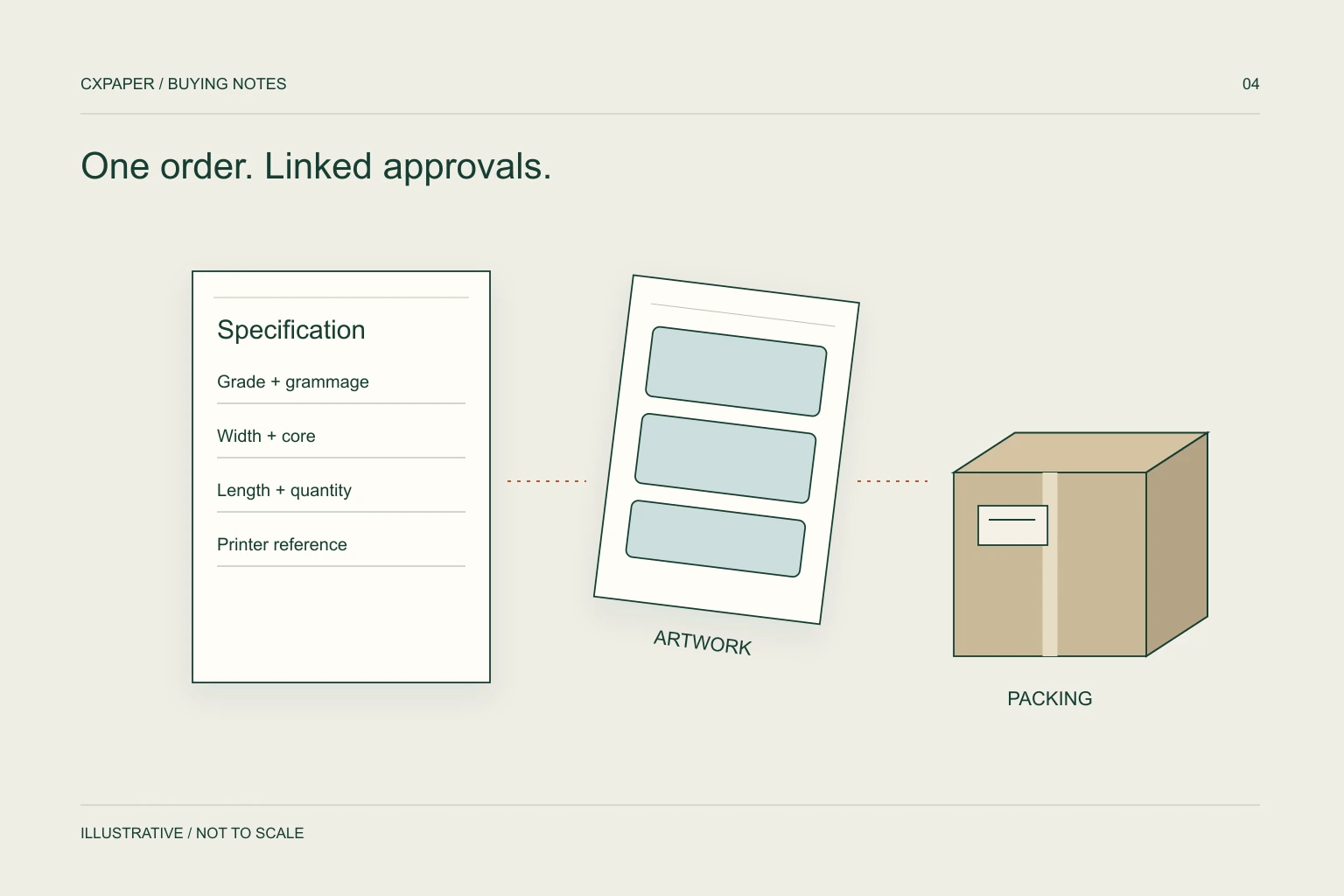
An OEM paper brief should cover the application, printer, technical specification, artwork, packing, order quantity and delivery destination. Separate requirements you know from points you need the supplier to confirm, then record the agreed sample and final specification together.
Define the paper before the print.
Start with the product’s job. A thermal receipt roll, a shipping label and a multipart form have different specification needs even if all three will carry your brand.
| Product | Details to collect |
|---|---|
| Thermal receipt paper | Width, roll diameter, core dimensions, weight and target length. |
| Label paper | Print method, label size, roll format, surface and use conditions. |
| A4 copy paper | Finished size, paper weight, sheets per ream and carton quantity. |
| Continuous forms | Finished size, feed arrangement, number of parts and document layout. |
| Carbonless NCR paper | Finished format, copy-set construction, sheet sequence and pressure-copy requirements. |
| Thermal transfer ribbons | Printer model, label material, ribbon width and length, core, winding and ink-coated side. |
Include the printer model and a current media reference where possible. A sample description can be more useful than a product name that omits key dimensions.
Make artwork instructions measurable.
Provide the logo or artwork you want to use, together with its location and intended size. Keep the paper artwork, inner pack and outer carton artwork separate so each approval has a clear purpose.
- Identify which surface is printed and the required orientation.
- State the dimensions and position of the printed area.
- Provide colour references and explain any critical elements.
- Include barcode content and placement requirements where relevant.
- Ask which artwork formats and production proofs are needed.
Review the supplier’s interpretation before authorising production. Do not assume a screen preview alone answers questions about print placement, readability or the physical paper.
Specify the way your warehouse receives it.
Packaging is part of the order specification. Define the number of units in each inner pack and carton, the carton markings and any pallet requirements. Give the supplier the destination and receiving constraints that affect the packing brief.
For a distributor, a packing decision also affects how the product is sold and replenished. For a chain buyer, store-level handling may be as relevant as the main warehouse arrangement.
State the purchase quantity with an explicit unit. “10,000” could refer to rolls, labels, sheets, reams or cartons; it is not a complete quantity on its own.
Keep sample and order approval separate.
Agree the sample scope, fee and any order-credit arrangement before sampling begins. Decide who will review the sample and which requirements they will assess in the intended printer or application.
- Collect and review the technical brief.
- Confirm the sample and artwork requirements.
- Evaluate the sample against the intended use.
- Record the approved specification and artwork revision.
- Confirm quantity, packing, price basis and timing.
- Agree the relevant inspection and dispatch requirements.
CXPAPER supports custom dimensions, material and weight discussions, logo printing and packaging within the scope of the selected product family. See the OEM & ODM process or download the procurement brief.
Make the approved version easy to identify
Give the technical brief, product artwork, wrapper artwork and carton marks their own file names and revision dates. One email containing several files is not a clear approval record if the files themselves cannot be distinguished later.
For a printed roll, show the leading edge and which face carries each design. For a form, identify the copy sequence and any layout differences between parts. For a label, distinguish preprinted content from the information your printer will add. Each instruction should be understandable without relying on a conversation remembered by only one person.
Keep a change list when the sample leads to revisions. A change to dimensions, material, print position or packing may require another review; do not assume approval of the previous version covers it. Record the new reference and which earlier file it replaces.
The OEM artwork and packing checklist provides a printable way to collect these fields. Use the sample evaluation checklist to record observations separately from the approval decision. Together they connect what you requested, what you reviewed and what the final quotation describes.
Questions buyers ask.
What if I do not know all the dimensions?
Give the printer model and describe the existing product or sample. Clearly mark the details that still need review.
What should be agreed before paying for a sample?
The scope, expected output, fee, delivery arrangement and any conditions for crediting the fee against a later order should be agreed directly.
This guide is a purchasing worksheet and explanation, not a quotation or a test report. Final product specifications, sample terms and order conditions are agreed with CXPAPER.