
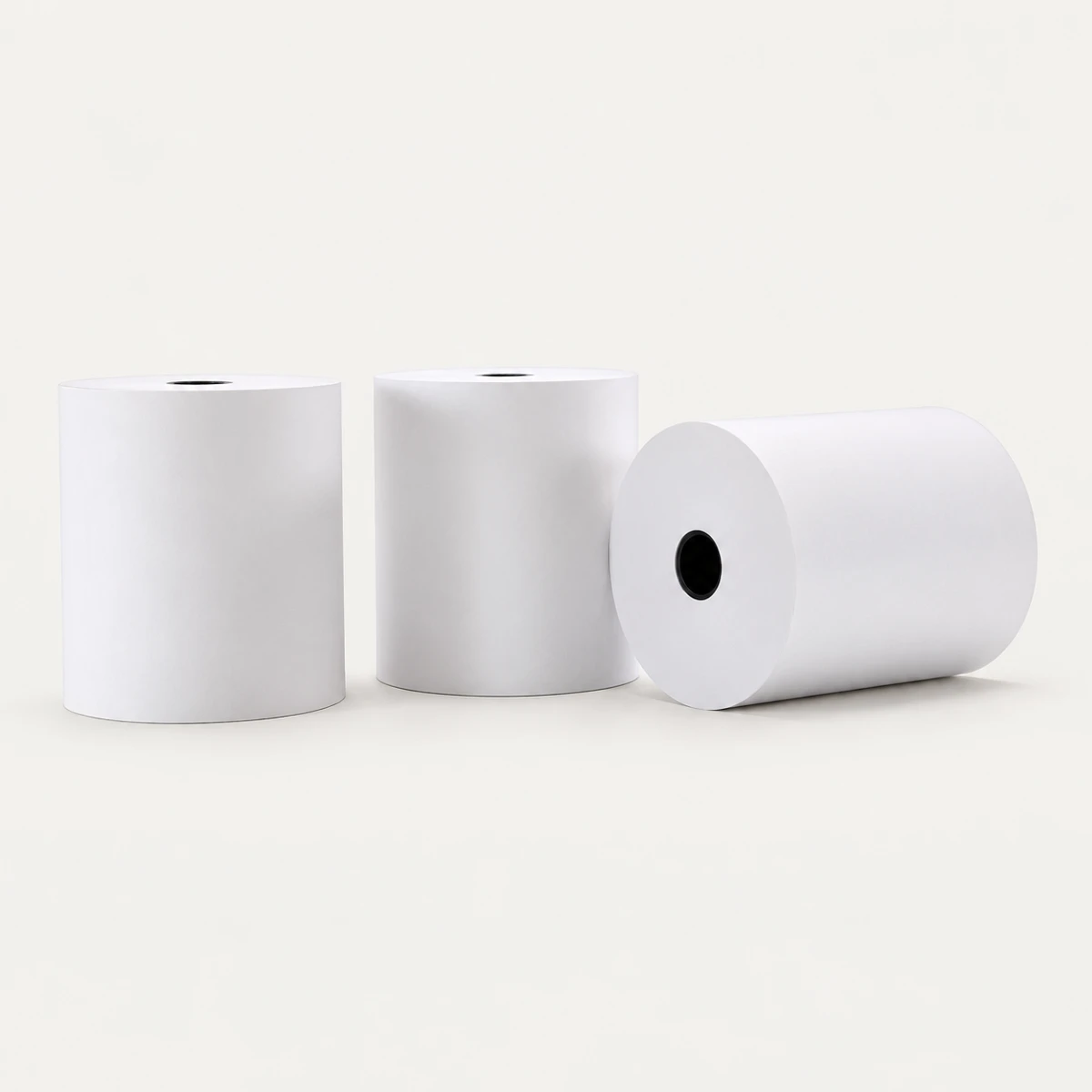
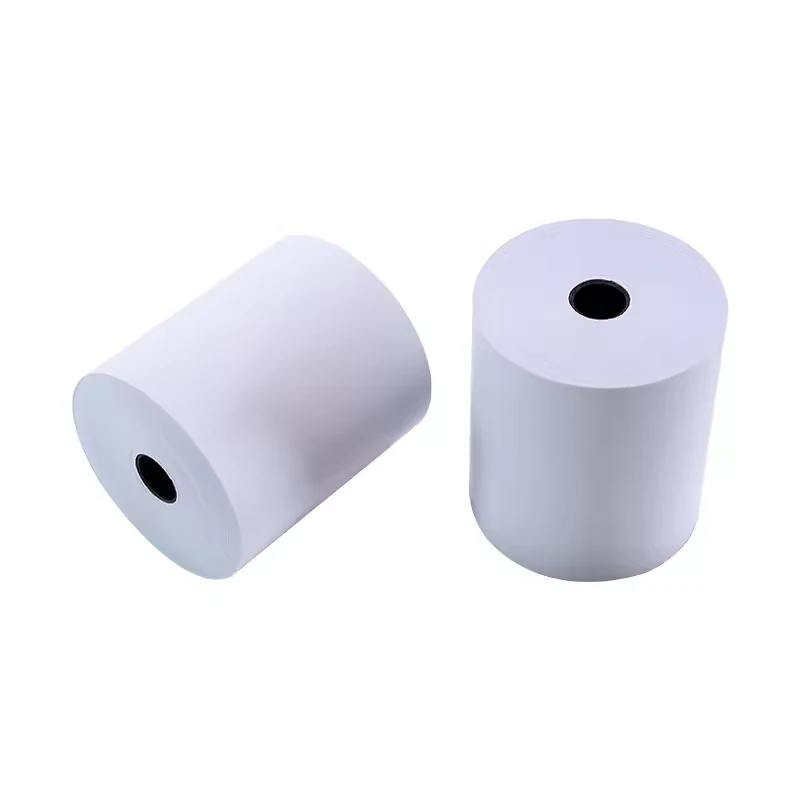
Ref. 1600882782832
80 × 70 mm Thermal Paper Rolls with Plastic Core
Listed size 80*70mm
$0.30–0.35 / roll
Minimum order: 72 rolls
View specifications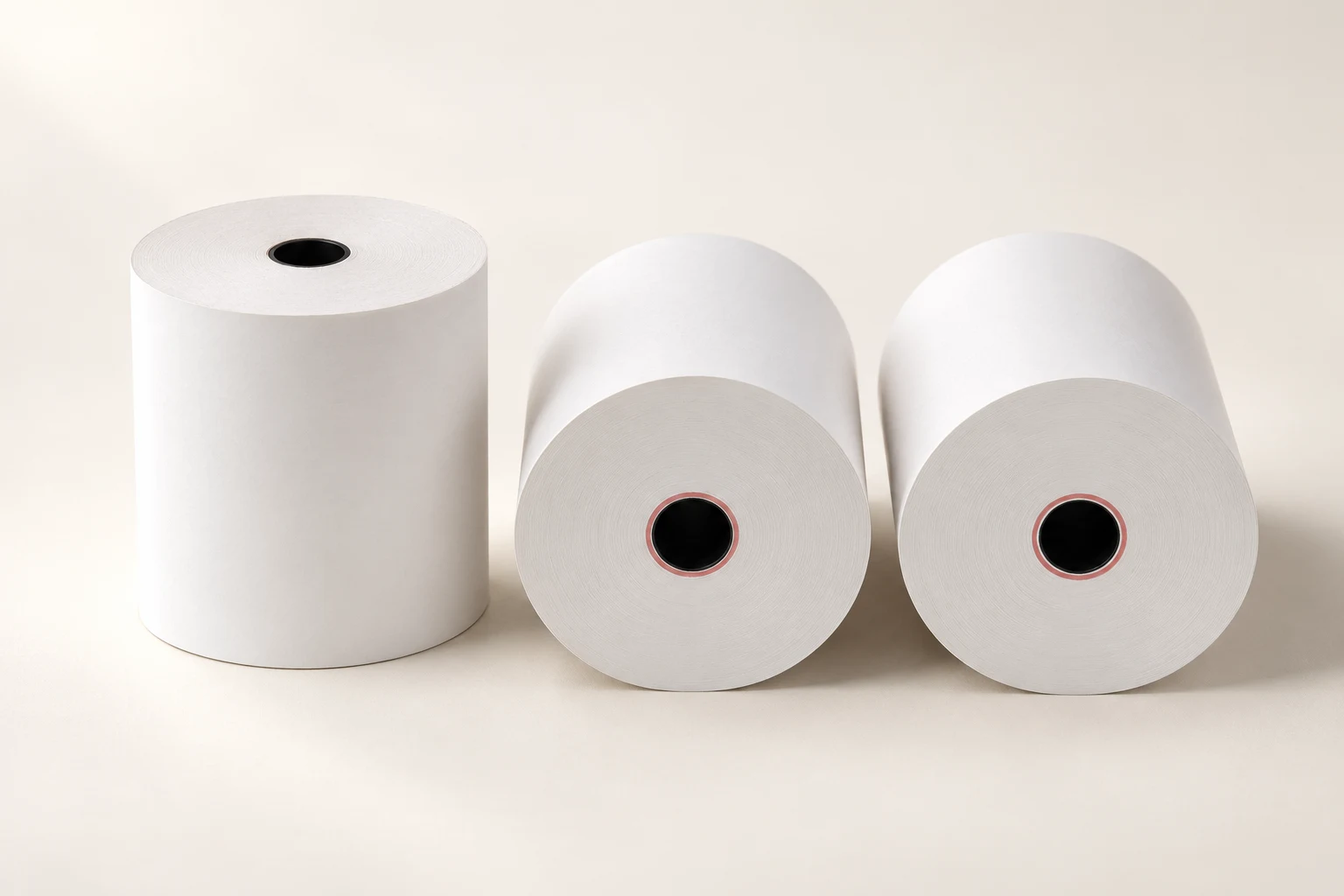
PRODUCT SPECIFICATION GUIDE
CXPAPER supplies thermal receipt paper rolls for POS cash registers in retail and hospitality. Specify 57 mm or 80 mm width, roll diameter and core, then confirm custom printing and wholesale packing.
PRODUCT CATALOG
Ref. 1600882782832
Listed size 80*70mm
$0.30–0.35 / roll
Minimum order: 72 rolls
View specifications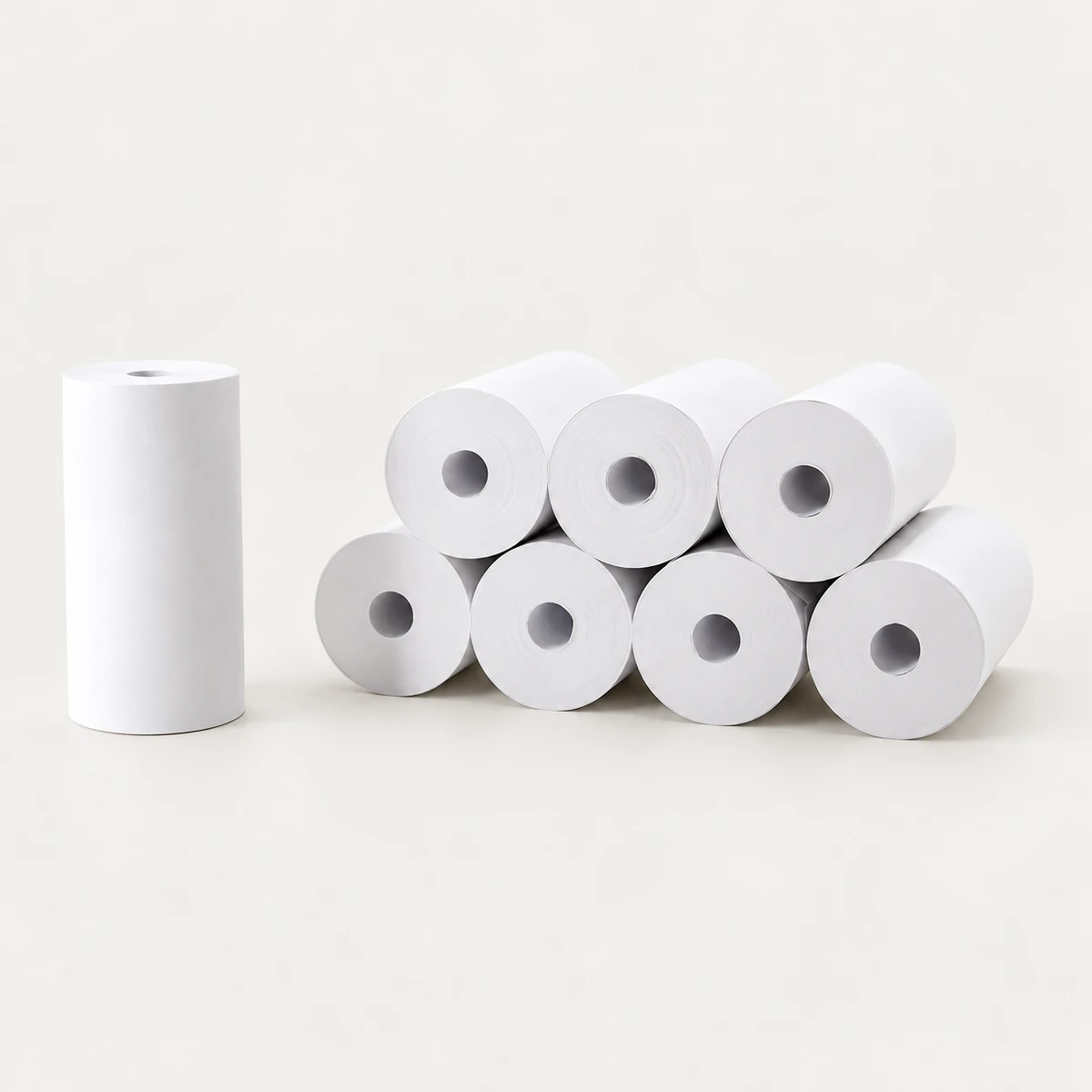
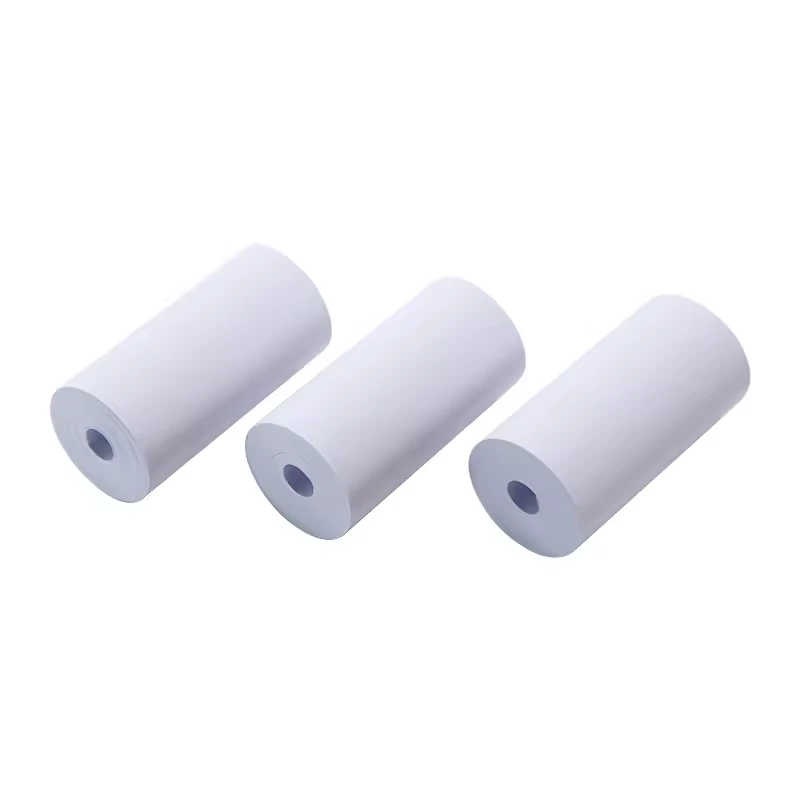
Ref. 1600882929505
Listed size 57*30mm
$0.05–0.06 / roll
Minimum order: 72 rolls
View specifications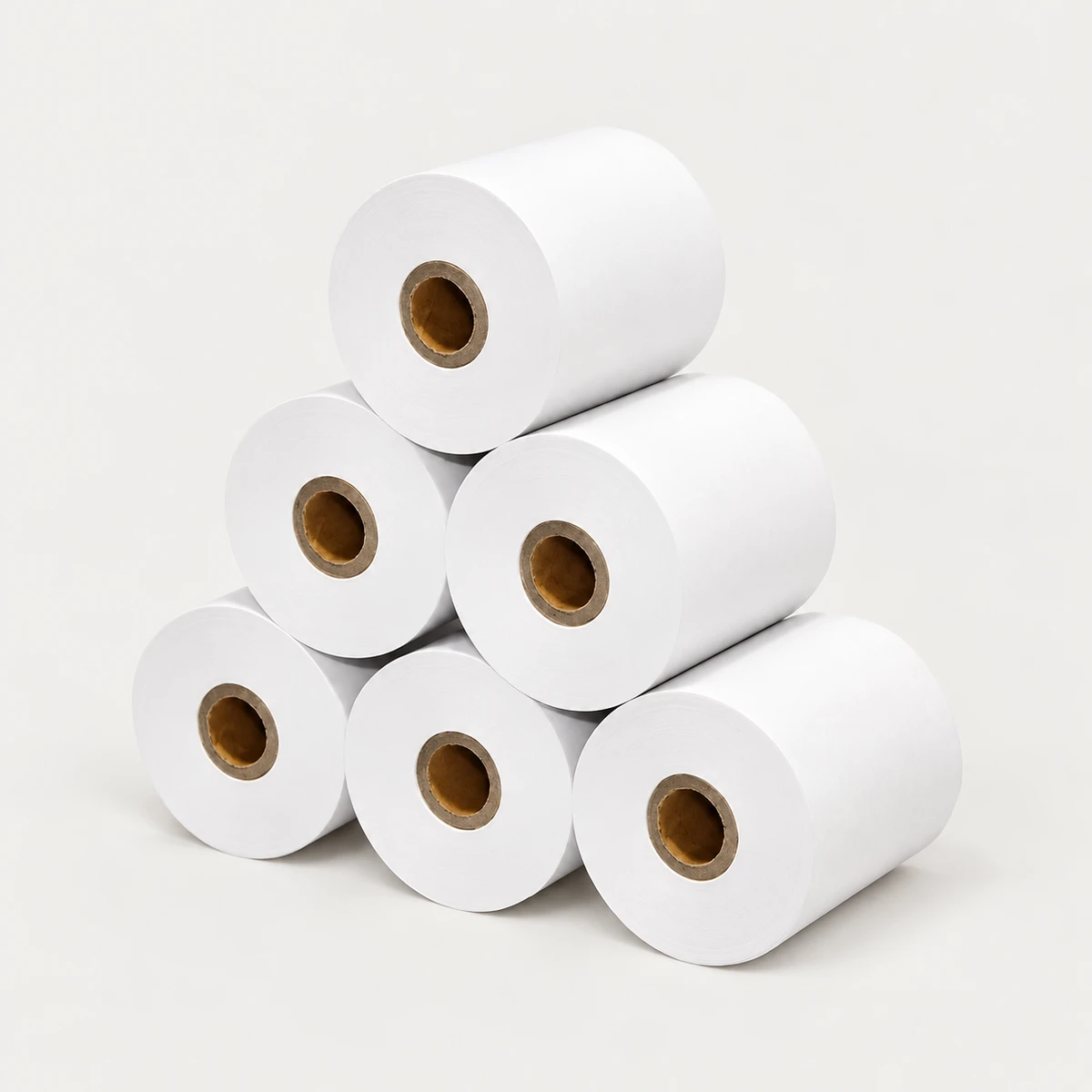
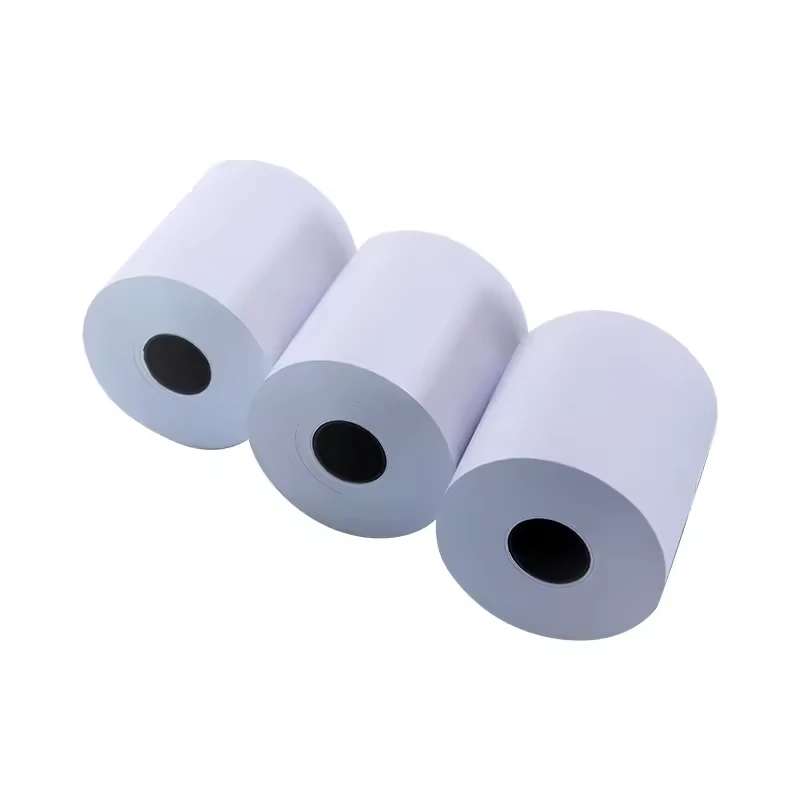
Ref. 1601432518494
Listed size 80*80 mm
$0.25–0.30 / roll
Minimum order: 1000 rolls
View specificationsDefine the requirement
Keep the product range and the complete order specification distinct. Use the fields below when discussing a new order or reviewing a replacement.
Thermal receipt paper is heat-sensitive paper used in POS cash registers and receipt printers without an ink ribbon. CXPAPER supplies thermal receipt paper, including 57 mm and 80 mm widths, with size, paper weight, logo printing and packaging options. Start with the printer model and the available roll space, then define the core and the quantity of paper in each roll. For retail, hospitality and distributor orders, keep each equipment group and packing configuration on a separate enquiry line. A clear roll specification helps your team review a sample, compare quotations and repeat an order without relying on a size nickname alone.
| Range information | Product context |
|---|---|
| Paper widths | 57 mm and 80 mm in the CXPAPER product range |
| Listed size example | 80 × 80 mm plastic-core listing; confirm the dimension labels and complete order specification |
| Custom options | Size, paper weight, logo printing and packaging |
| Confirm for the order | Information to provide |
|---|---|
| Width and roll outside diameter mm | Give each dimension its own label. Include the maximum roll OD your printer accepts. |
| Core inner and outer diameter mm | ID is the centre opening; OD is the outside of the core. Include any holder or adapter details. |
| Length, grammage and caliper m / gsm / µm | State target length, paper weight and measured thickness separately. Leave unknown values blank and send the printer or sample reference. |
| Printing, packing and quantity rolls / packs / cartons | Describe back printing, direction, pack quantities, total order quantity and destination. |
Schematic for specification. It does not define the dimensions or construction of every supplied item.
Start with a listed width, then confirm the complete roll.
Selection decisions
Use the exact printer model to check media limits. Two counters using nominally 80 mm paper may have different roll compartments or core arrangements. Keep their requirements separate until the manuals and a sample show that the same roll is suitable. The 57 mm and 80 mm choices below are starting points for an enquiry.
Width and outside diameter describe fit, while metres per roll describe paper quantity. Core OD and paper thickness affect the space available for winding. Do not convert an 80 × 80 mm label directly into a promised length, and do not substitute gsm for thickness.
For a logo or back print, identify the receipt face, the reverse side and the direction in which the paper leaves the printer. Add the intended artwork position and repeat to the brief. Review those details on a physical sample rather than relying only on how a flat artwork file looks.
Ask each quotation to state declared length, grade, core and packing quantity. Convert a carton quotation to a roll price before using the cost-per-100-metres tool. Keep currency, freight and other included costs consistent so that a change in packing does not appear to be a change in paper price.
| Field | Purchasing question | What it cannot establish alone |
|---|---|---|
| Paper width (mm) | Does the web fit the print path? | Roll compartment fit or usable length |
| Roll OD (mm) | Will the wound roll fit the printer? | Metres per roll |
| Core ID / OD (mm) | How does the core fit and how much winding space remains? | Printer compatibility without the other limits |
| Length (m) | How much paper does one roll contain? | Paper grade, image behaviour or fit |
| Grammage (gsm) | What mass per unit area is specified? | Thickness in µm |
Custom paper & packing
Build the custom brief around the finished roll and the way it is handled. Size, weight, logo printing and packaging can be discussed together, while each decision remains a separate approval item.
See the custom-order processBefore order approval
| Check | How to review it | What to record |
|---|---|---|
| Dimensions and installation | Measure width, roll OD and accessible core dimensions using a suitable measuring tool. Load the roll according to the printer instructions. | Sample reference, measured values, printer model and any holder or adapter used. |
| Receipt and back-print review | Print the receipt format your operation uses. Review text, logos, feeding, cutting or tearing, and the orientation of any back print. | Printer settings, dated print examples and observations. Agree acceptance criteria separately. |
| Declared quantity and packing | Compare the quoted metres per roll and pack counts with the proposed checking method. Inspect wrap, carton marks and roll condition when the sample arrives. | Declared length, agreed verification method, pack count and photographs of any damage. |
Agree the sample scope and acceptance criteria for your order. These review points are not a claim of a completed test.
Packing & repeat orders
A quantity such as 10,000 is incomplete without a unit. Use rolls, inner packs or cartons explicitly, then state the conversion between them. This lets purchasing and warehouse teams read the same order.
Product questions
Width is only one part of the match. Check the maximum roll diameter, core dimensions and supported media in your printer manual. Send the printer model with your enquiry.
CXPAPER supports logo printing and packaging customisation. Share your artwork, printing position and packing requirements so these can be included in the specification.
Use the same paper width, roll length, paper weight, core construction and carton quantity. A lower price per roll does not necessarily mean a lower price per metre.
Include quantity with its unit, destination and requested delivery date. Order requirements and timing are confirmed against the final specification.
No. If the dimensions mean width and roll OD, the core and thickness still affect the amount of paper wound on the roll. Ask for declared metres per roll and keep that value in the quotation and sample review.
No. Gsm is mass per unit area, while caliper is thickness. Check the printer's media requirements and the full roll dimensions. If the paper grade is unfamiliar, compare a sample in your actual receipt workflow.
Give the previous specification or sample reference, quantity with its unit, packing configuration and destination. Flag any changes in printer, artwork or receiving requirements instead of assuming that the previous size nickname covers them.
Your product brief
Add this requirement to your brief. You can include several product families or separate sizes, then review them together before contacting CXPAPER.
Product specifications are saved on this device. Contact details are entered separately.